
Introduction: The Rise of Home Offices and Multi-Purpose Screens
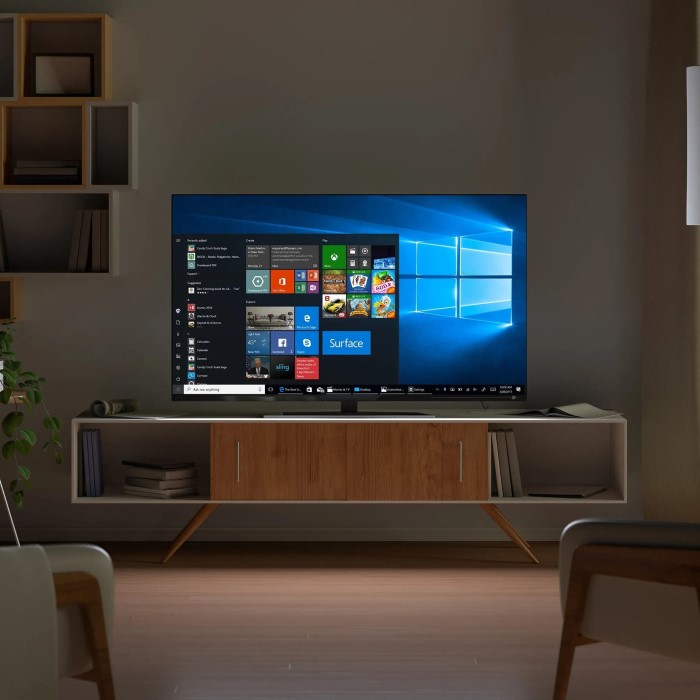
In recent years, many individuals have explored alternative setups for their home offices. One question that frequently arises is, can you use a TV as a computer monitor? As remote work continues to be prevalent in 2025, the line between television usage and computer functionality blurs. More people seek ways to maximize their existing equipment. Understanding how to integrate a TV into your computer setup can significantly enhance your workspace while providing the convenience of a larger screen.
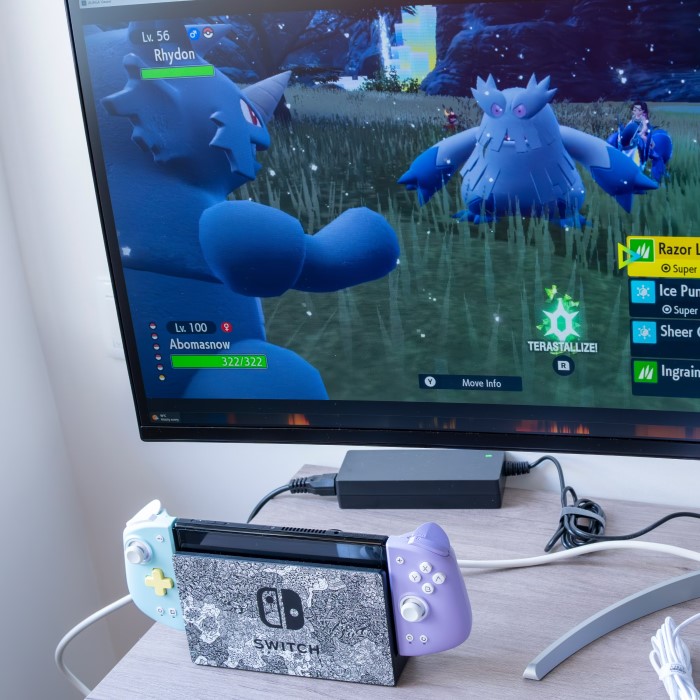
While traditional computer monitors offer benefits tailored for productivity, TVs can also serve as viable options if configured correctly. This article will delve into whether you can use a TV as a computer monitor by exploring setup tips, performance differences, and any potential drawbacks associated with transitioning to a TV. We will help you make an informed decision that suits your needs, whether you work from home, enjoy gaming, or simply want a larger display for various tasks.
Can You Use a TV as a Computer Monitor?
Can you use a tv as a computer monitor? The short answer is yes, you can use a TV as a computer monitor. However, several factors play a crucial role in how successful this transition will be.
- Connection Types: Most modern TVs offer a variety of input options, including HDMI ports commonly used for connecting to laptops and desktops. When considering whether to use a TV as a monitor, check the available ports on your devices, as this will determine how easily you can establish a connection.
- Display Quality: While many TVs can reach high resolutions, it’s essential to consider display quality. A high-definition (HD) or 4K TV can provide a fantastic visual experience, but the clarity may not match that of dedicated computer monitors, especially when working with text or intricate graphics.
- Refresh Rate and Response Time: If you plan to use a TV primarily for gaming or graphic-intensive applications, examine the refresh rate and response time. TVs often have higher input lag compared to computer monitors, which could affect your performance in fast-paced games.
Advantages of Using a TV as a Computer Monitor
There are several benefits to using a TV as a computer monitor that may sway your decision in favor of this setup.
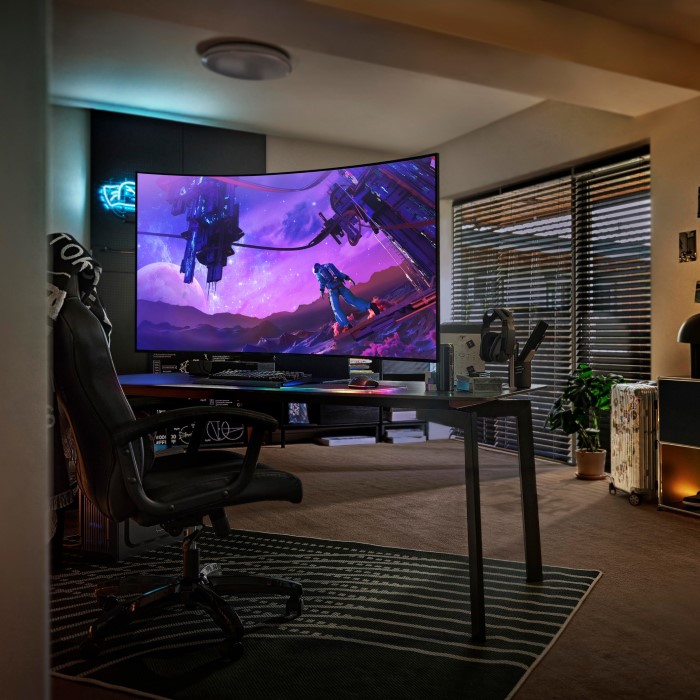
- Larger Viewing Area: A significant advantage of TVs is their size. Many newer models offer larger screens than traditional monitors, which can provide a more immersive experience when gaming or watching movies.
- Versatile Use: A TV can serve multiple purposes. If you’re using your space for leisure and work, a TV can be an all-in-one solution, allowing you to switch seamlessly between working and entertainment.
- Cost-Effective Solution: In some cases, using a TV you already own can save money. If you are considering upgrading your monitor, repurposing a TV can be an efficient and cost-saving method.
- Enhanced Media Viewing: TVs typically provide superior color reproduction and contrast, making them excellent for watching videos, movies, or even editing photos, especially when connected to a high-quality video card.
Drawbacks of Using a TV as a Monitor
While there are undeniable advantages, using a TV as a computer monitor also has its drawbacks that you should consider.
- Input Lag: One of the major concerns when using a TV is input lag. TVs often have a higher inherent lag time than monitors, which can affect activities requiring quick response times, like gaming or precise work.
- Resolution and Clarity: Although many modern TVs boast high resolution, pixel density is key. Larger screen sizes can lower pixel density, leading to a less sharp image. This can be particularly problematic for text-heavy tasks.
- Viewing Distance Issues: TVs are typically designed for viewing from a distance. If you plan to use a TV as a monitor for close work, you may find that sitting too close to a large screen can lead to discomfort and reduced focus.
- Adjustability and Ergonomics: Most TVs lack height adjustment options and ergonomic features compared to dedicated monitors. This can lead to neck strain or discomfort from improper positioning.
Setting Up Your TV as a Computer Monitor
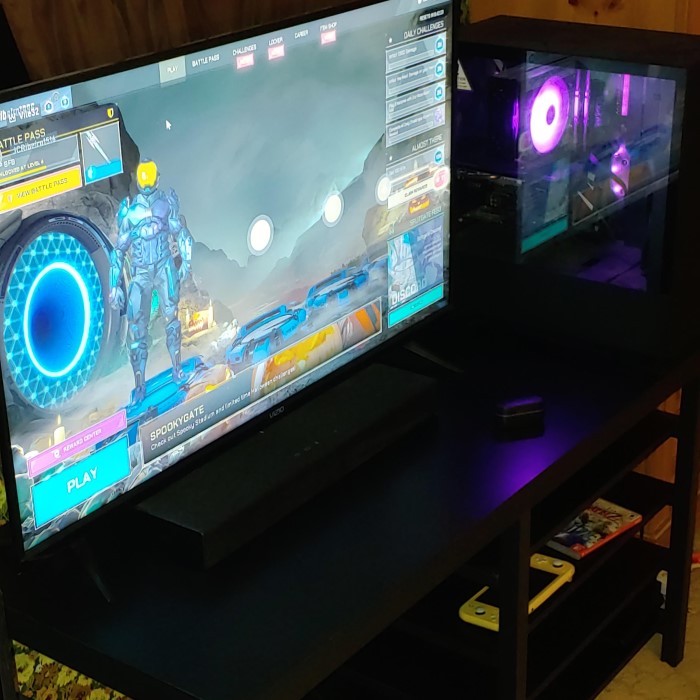
If you decide to use your TV as a monitor, the setup process is straightforward. Here are some essential tips for achieving a seamless experience.
- Choose the Right Connection: HDMI cables are the most common connection type between TVs and computers. Ensure your PC has an HDMI output, and if it doesn’t, consider adapters or alternative connections like DisplayPort.
- Adjust Display Settings: Once connected, adjust the display settings on your computer. You may need to change the resolution to match the native resolution of the TV for optimal viewing quality.
- Calibrate Color Settings: TVs usually come with their own preset picture modes. Adjusting these settings can help improve clarity and color accuracy. For computer work, a “PC” or “Game” mode is often recommended.
- Optimize Placement: Ensure that you sit at an appropriate distance. Evaluate the optimal viewing angle and height to safeguard against neck strain, particularly if you’re using the TV for extended periods.
- Update Drivers: Make sure your graphics drivers are up to date to ensure compatibility and resolve any potential display issues.
Performance Considerations
Understanding how the performance of using a TV as a monitor compares to traditional monitors is vital.
Image Quality
- General Performance: TVs generally deliver good image quality, making them enjoyable for watching movies and playing games. However, many TVs do not provide the same level of clarity as dedicated computer monitors.
- Design Purpose: Dedicated monitors are specifically designed for close-up tasks, which enhances their capability to display fine details clearly. This is particularly important for tasks requiring precision, like graphic design, photo editing, or programming.
- Pixel Arrangement: The arrangement of pixels on a TV can influence readability. Larger screens might have lower pixel density than monitors, resulting in less sharpness. This difference can affect how crisp text appears, making it challenging to read lengthy documents.
- Text Quality: Users may notice that text can appear blurry or pixelated on larger TVs. This blurriness can cause eye strain during extended use, especially when engaged in reading or typing tasks.
Refresh Rate
- Importance for Gaming: The refresh rate of a monitor is crucial for action-oriented tasks, particularly gaming. A higher refresh rate results in smoother visuals, which is beneficial during fast-paced gameplay.
- Smooth Experience: High refresh rates, such as 120Hz or 144Hz, can enhance the experience by reducing motion blur, ensuring that visuals remain stable and clear during intense action sequences.
- Limitations of TVs: Many TVs default to a refresh rate of 60Hz, which may feel limiting during gameplay. This limitation can create choppy visuals and reduce responsiveness during high-intensity gaming sessions.
- Recommendations for Gamers: Gamers looking for optimal performance should consider a TV that supports higher refresh rates. This can significantly improve the overall experience and responsiveness while gaming.
Response Time
- Defining Response Time: Response time measures how quickly a monitor can change a pixel from one color to another. A lower response time is essential for ensuring that visuals appear smooth and clear.
- Impact on Performance: A lower response time contributes to smoother visuals and enhances performance. This is especially important for gaming and multimedia applications where fast actions occur frequently.
- Visual Consistency: High response times can lead to ghosting effects, where moving images leave a trail behind. Users engaged in gaming or watching fast-paced content are particularly sensitive to these effects.
- Choosing Your Display: When evaluating a TV for gaming purposes, look for models advertised with low response times. This indicates that the display will provide a clean, clear image, even during quick movements.
Input Lag Impact
- Understanding Input Lag: Input lag refers to the delay between a user’s actions (like pressing a button) and the response displayed on the screen. This delay can significantly affect gameplay and overall user experience.
- Consequences of Delays: Significant delays in response times can disrupt gameplay and workflow, leading to frustration. Gamers who expect immediate feedback can find high input lag impedes their performance during critical moments.
- Selecting the Right TV: If low input lag is a priority, ensure you choose a TV explicitly marketed for gaming. Such models typically feature design characteristics that minimize input lag and improve overall responsiveness.
- Testing Performance: Check reviews and performance tests to identify TVs with the lowest input lag. This insight can help you select a display that enhances your gaming and user experience.
FAQ: Common Questions on Using a TV as a Monitor
What are the disadvantages of using a TV as a monitor?
The main disadvantages include input lag, lower pixel density, clarity issues, and potential ergonomic challenges compared to dedicated monitors. Users may find that TVs lack the specific features designed for close-up use.
Can I use a normal TV as a PC monitor?
Yes, a normal TV can be used as a PC monitor, given that it has the appropriate input options. The quality of the experience will depend on factors such as resolution, input lag, and refresh rate.
Can a PC connect to a TV as a monitor?
Certainly! A PC can be connected to a TV using different ports, most commonly HDMI. Ensure compatibility with the ports available on both devices for a seamless connection.
Does using a TV as a monitor affect performance?
Yes, using a TV can affect performance based on factors such as input lag, refresh rates, and resolution. These factors can lead to variability in performance for gaming and productivity tasks.
Conclusion: Is Using a TV as a Monitor Right for You?
In conclusion, the question of can you use a TV as a computer monitor is a practical consideration for many users today. While it is possible and can be a functional solution, it’s essential to weigh the pros and cons associated with this choice. TVs offer significant viewing areas and versatile uses, making them an enticing option for some individuals. However, potential drawbacks like input lag and ergonomic considerations may deter others from making the switch.
When deciding whether to repurpose your TV for computer use, reflect on how you’ll utilize the setup. For casual gaming, media consumption, or hybrid functions, a TV might serve perfectly. Yet, for professional tasks or high-performance gaming, a dedicated monitor would likely provide the better experience.
Ultimately, as technology continues to evolve, being informed about your options will empower you to make the best decision for your needs in 2025 and beyond. Whether you choose to embrace your TV as a monitor or stick with a traditional setup, understanding your requirements will lead to a more enjoyable and efficient work and entertainment environment.