
Introduction
As technology evolves, so does the equipment we use. One of the critical questions for both casual users and professionals is, what is the standard computer monitor size? This question has become increasingly relevant as more people work from home and as gaming experiences become more immersive. Understanding monitor sizes not only helps users select the best equipment but also ensures that they enhance their productivity and comfort.
In this article, we will explore the evolution of standard computer monitor sizes, discuss the factors influencing the choice of size, and identify which monitor sizes are ideal for various applications. Ultimately, by the end of this article, you will be better equipped to make informed decisions about your next computer monitor purchase.
The Historical Context of Monitor Sizes
1. Early Monitors and CRT Technology
In the early days of computing, cathode-ray tube (CRT) monitors dominated the market. Most CRT monitors came in standard sizes, including 14-inch, 17-inch, and 19-inch diagonal measurements. At that time, a 15-inch CRT monitor was fairly common. These monitors were bulky and heavy, taking up considerable desk space.
2. The Shift to LCD and Wider Aspect Ratios
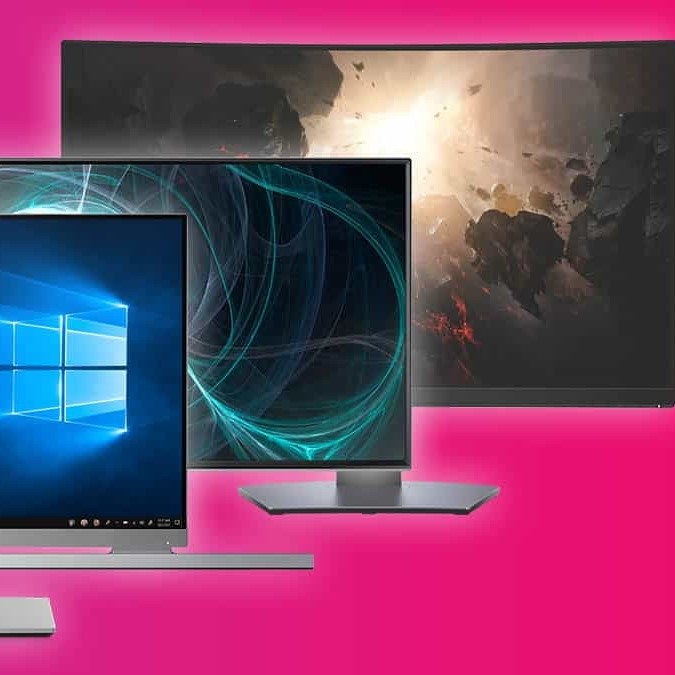
With advancements in technology, LCD (liquid crystal display) monitors began to replace CRTs in the late 1990s and early 2000s. LCD monitors offered slimmer designs and lighter weights, making them a popular choice for consumers. The standard computer monitor sizes quickly evolved to include 19-inch, 22-inch, and 24-inch displays.
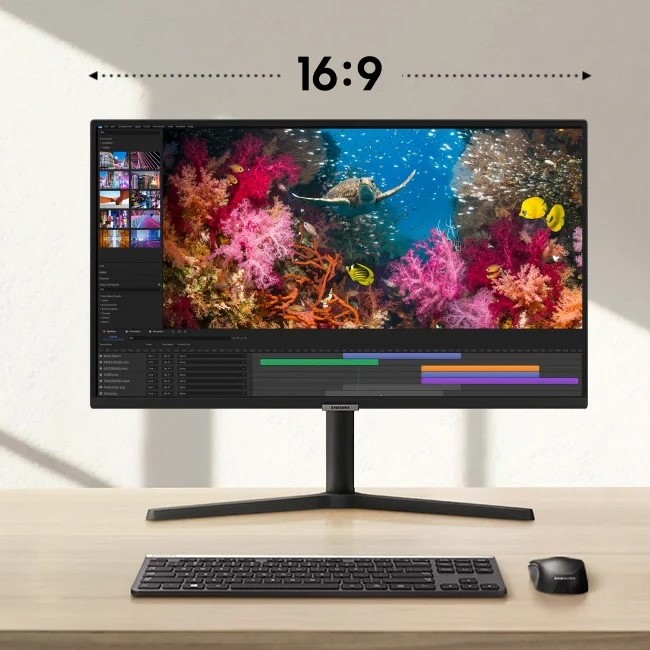
- Widescreen Formats: The shift to widescreen formats also emerged during this period, introducing 16:9 aspect ratios. This change catered to the increasing demand for multimedia applications, such as video gaming and watching movies.
3. The Rise of Ultra-Wide and 4K Monitors
As technology advanced further, ultra-wide monitors and 4K resolution screens became more prevalent. Ultra-wide monitors, typically ranging from 29 to 34 inches, offered an expansive field of view. They became particularly popular in gaming and professional environments.
- 4K Monitors: In parallel, 4K monitors began to emerge, providing four times the resolution of 1080p displays. This high pixel density allowed for stunning visuals and detailed graphics, appealing to gamers, designers, and videographers.
Factors Influencing Standard Computer Monitor Size
1. Purpose and Usage
The intended use of the monitor significantly influences the standard size you should choose. Different tasks require different considerations:
- Office Work: If your primary tasks include word processing or spreadsheet work, smaller monitors (22 to 24 inches) may suffice. They help save desk space and keep your work focused.
- Creative Work: For graphic design or video editing, larger screens (27 inches and up) may be beneficial. They provide more screen real estate, allowing multiple windows to be used simultaneously.
2. Viewing Distance
Viewing distance is another essential factor when considering monitor size. The farther away you sit, the larger the monitor you may need to achieve the same level of detail. For example:
- Close Viewing: If you’re sitting close to your screen (e.g., under 24 inches), a 24-inch monitor can be ideal. It offers a comfortable balance between size and detail.
- Long-Distance Viewing: If your setup involves sitting several feet away, consider 27 inches or larger to ensure visibility and clarity.
3. Desk Space
Available desk space plays a vital role in determining monitor size. Below are considerations based on desk configurations:
Limited Desk Space
- Assess Your Workspace: Begin by evaluating the size of your desk. If your desk is compact, choosing the right monitor size becomes crucial to maintaining an organized space. Smaller monitors, ideally up to 24 inches, fit snugly on your desk, allowing you to maximize your workspace.
- Avoid Overcrowding: Smaller monitors prevent clutter in your work area. They provide enough screen space for standard tasks like browsing, document editing, and streaming. This way, you can keep your workspace tidy and focused.
- Enhance Portability: Compact monitors are often lighter and easier to move. If you need to shift your monitor for any reason, such as adjusting your setup or cleaning your desk, smaller monitors are typically more manageable.
- Consider Mounting Options: If you have limited desk space but still want a larger viewing area, consider using a monitor mount. This allows you to elevate your smaller monitor, freeing up desk space for other essentials like notebooks or office supplies.
- Maximize Functionality: Even with a small desk, you can increase functionality by using a smaller monitor efficiently. For instance, you can position your monitor optimally to reduce glare and enhance your viewing angle, promoting better productivity.
Larger Desks
- Expansive Workstations: For individuals with larger desks, there are more opportunities to select and utilize larger monitors. Larger monitors can enhance visual experiences and improve usability, allowing you to engage with content more fully.
- Immersive Experience: Larger monitors, particularly those 27 inches or larger, provide a more immersive experience. They are especially beneficial for gaming, graphic design, and video editing, where details matter.
- Support for Multi-Monitor Setups: Larger desks easily accommodate ultra-wide and multi-monitor setups. You can arrange two or more monitors side by side, allowing for seamless multitasking. This setup fosters improved workflow, enabling users to manage multiple applications simultaneously.
- Increased Screen Real Estate: Larger monitors or multiple monitors give you more screen space to work with. This extra real estate allows professionals to have their documents, design software, and communication tools visible at the same time, enhancing productivity.
- Personalization Options: With a spacious desk, you can personalize your workspace further. Add decorative items, organizers, or additional equipment without feeling cramped. A comfortable and well-organized workspace can foster creativity and efficiency.
Popular Standard Computer Monitor Sizes in 2025
1. 24-Inch Monitors
24-inch monitors remain a popular choice for home and office users. This size offers a good balance of visuals and space efficiency. They work well for various tasks, including web browsing, document editing, and casual gaming.
2. 27-Inch Monitors
27-inch monitors provide a larger viewing area, making them ideal for creative tasks. Their popularity continues to grow in professional environments due to their ability to display intricate details. Gaming enthusiasts also favor this size for an immersive experience.
3. 32-Inch and Larger Monitors
For those seeking an ultra-wide or curved experience, monitors sized 32 inches and above are becoming increasingly common. These monitors enhance multitasking and bring a cinematic quality to gaming or movie-watching experiences. The 32-inch size is often favored by gamers and professionals in design fields.
Evaluating the Best Standard Monitor Size for Your Needs
1. Consider Your Workstyle
To choose the best standard computer monitor size, assess your workstyle and preferences. Are you often engaged in tasks that require multitasking or content creation? If so, larger screens or ultra-wide monitors could prove valuable.
2. Think About the Future
Keep future needs in mind as you select your monitor size. If you anticipate expanding your physical workspace or integrating additional devices, selecting a larger monitor might be a wise investment. This foresight ensures that your setup remains functional as your needs evolve.
3. Test Before You Buy
If possible, visit stores to physically test different monitor sizes. Personal preference plays a significant role in comfort and usability. Some may prefer a larger screen, while others could find it overwhelming. Testing can clarify which size best suits your workflow.
Frequently Asked Questions (FAQs)
What are standard computer monitor sizes?
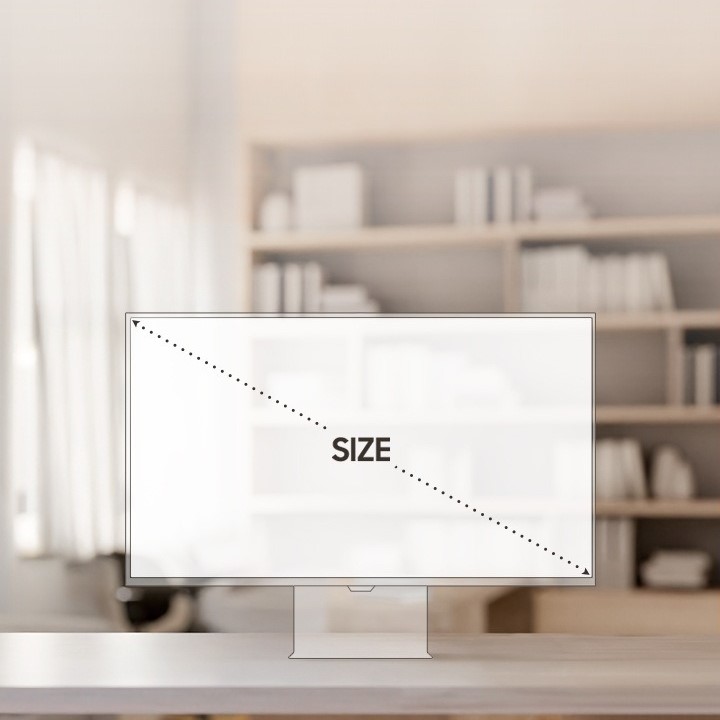
Standard computer monitor sizes typically range from 21 inches to 32 inches diagonal, with the most common sizes being 24 inches and 27 inches. Larger monitors above 32 inches are also popular for specific uses, such as gaming or design.
Is a 27-inch monitor too big for work?
A 27-inch monitor is not too big for work, especially if you have a spacious desk and require a large viewing area for multitasking. It provides ample space for multiple windows and intricate details, making it suitable for creative work.
Is a 24-inch monitor large?
A 24-inch monitor is considered a standard size and is widely used in professional environments. It offers a good balance of screen space without overwhelming the workspace, making it a popular option for many users.
Do I need a 24 or 27-inch monitor?
The decision between a 24 or 27-inch monitor depends on your specific needs and preferences. If you’re engaged in tasks requiring detailed visuals or multitasking, a 27-inch monitor might be more beneficial. If space is limited and you primarily handle standard office tasks, a 24-inch monitor may suffice.
Conclusion: Choosing the Right Standard Computer Monitor Size
In conclusion, understanding the standard computer monitor size is essential for making an informed decision when upgrading your setup. The evolution of monitor sizes reflects technological advancements and consumer preferences, leading to greater diversity in options. The ideal monitor size depends on your intended use, workspace dimensions, and personal preferences.
As you consider your monitor choices, think about how you want to work, play, and engage with technology. Whether you choose a 24-inch monitor for compact productivity or a sprawling 32-inch screen for immersive gaming, selecting the right monitor will enhance your overall computing experience. Embrace the possibilities that come with modern monitor technology as you discover the perfect addition to your workspace.