
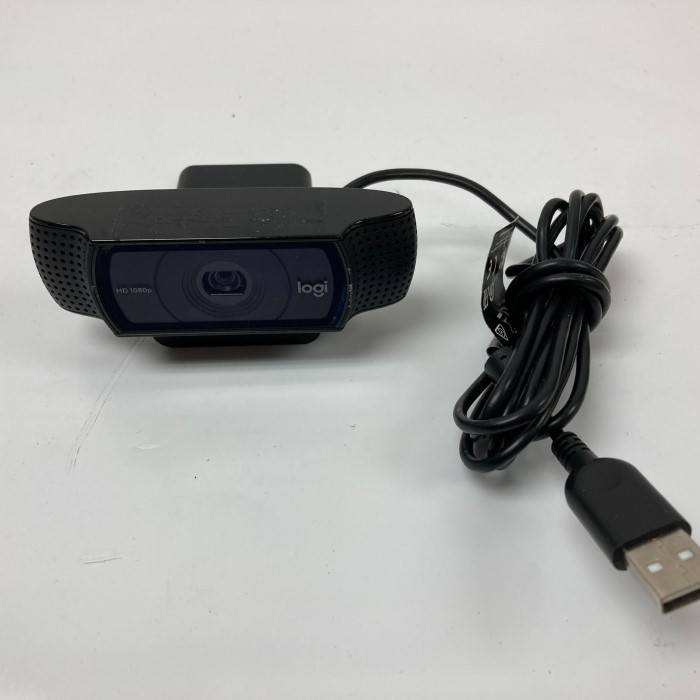
Introduction to the Logitech Webcam C920
In today’s fast-paced digital world, video communication has become an integral part of both personal and professional interactions. The Logitech Webcam C920 stands out as an exceptional choice for anyone looking to enhance their video call experience. Known for its superior quality and user-friendly features, this webcam has gained a significant following among professionals, content creators, gamers, and casual users alike.
As video conferencing tools like Zoom, Microsoft Teams, and Google Meet become the norm for meetings and virtual hangouts, investing in a high-quality webcam becomes essential. The Logitech C920 excels in providing clear visuals and reliable functionality, setting the bar high for webcam performance. This article delves into the standout features, benefits, and practical tips for making the most out of this impressive device, ensuring you have all the information you need to elevate your video calling experience.
Key Features of the Logitech Webcam C920
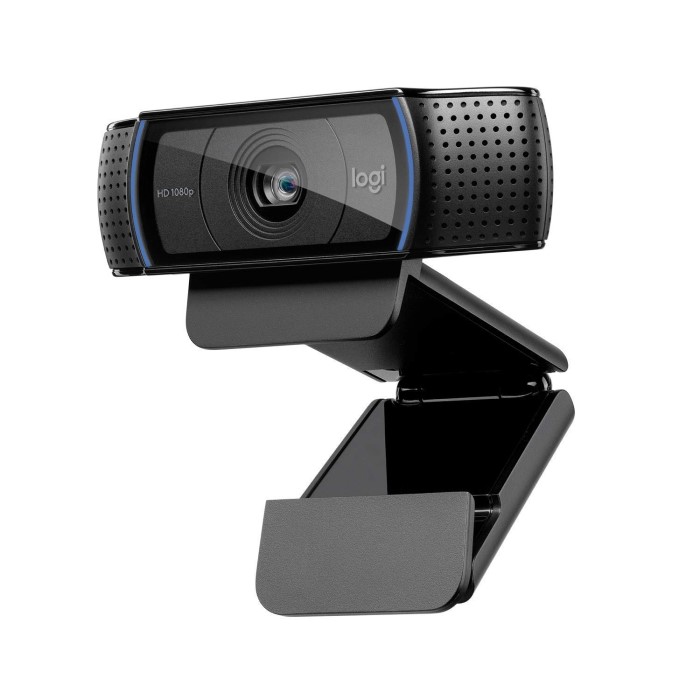
The Logitech Webcam C920 is packed with features that make it a top choice among users. First and foremost, the webcam offers stunning full HD 1080p video quality at 30 frames per second, ensuring that your video calls appear sharp and vibrant. The high resolution allows every detail to shine, making conversations feel more personal and engaging.
Additionally, the C920 is equipped with advanced H.264 video compression technology. This feature is critical for maintaining high-quality video even with limited bandwidth. By compressing the video data before sending it, the C920 ensures smoother streaming and reduces lag, resulting in a more fluid communication experience.
Another essential feature is the C920’s dual stereo microphones. The built-in mics capture clear audio and reduce background noise, ensuring that your voice comes through crisply during calls. This is particularly useful in busy environments where distractions can occur. With clear audio and video, users can communicate more effectively without straining to hear or be heard.
The Importance of Autofocus and Light Correction
When it comes to clarity in video communication, two standout features of the Logitech C920 are its autofocus capability and automatic light correction technology. The autofocus ensures that the image remains sharp, even if you move around while speaking. This feature is particularly beneficial during presentations, workshops, or casual chats that require you to shift your focus.
Moreover, the automatic light correction technology allows the C920 to adapt to varying lighting conditions. This adaptability is crucial for maintaining video quality in different settings, whether you’re sitting in a well-lit room or a dimly lit environment. The camera optimizes the image settings in real-time, helping to produce bright and balanced visuals. Poor lighting can significantly affect your appearance on camera, but with the Logitech C920, you won’t have to worry about this factor.
Setting Up Your Logitech Webcam C920
Connecting the Logitech Webcam C920 to your laptop or desktop is a straightforward process, making it accessible for users of all levels of technical expertise. Here’s how to set it up:
Plug and Play
- Easy Connection: To get started with the Logitech C920 webcam, you simply connect it to any available USB port on your computer. This straightforward action initiates the setup process without the need for complicated steps.
- Hassle-Free Installation: The C920 is designed for hassle-free installation, meaning that users can begin using the webcam right away. Most users appreciate this feature, as it eliminates the frustration and delays associated with more complex setups.
- No Additional Software Required: For basic functions, the C920 typically requires no additional software. This characteristic benefits individuals who want to use the webcam quickly without going through lengthy installation processes.
Positioning
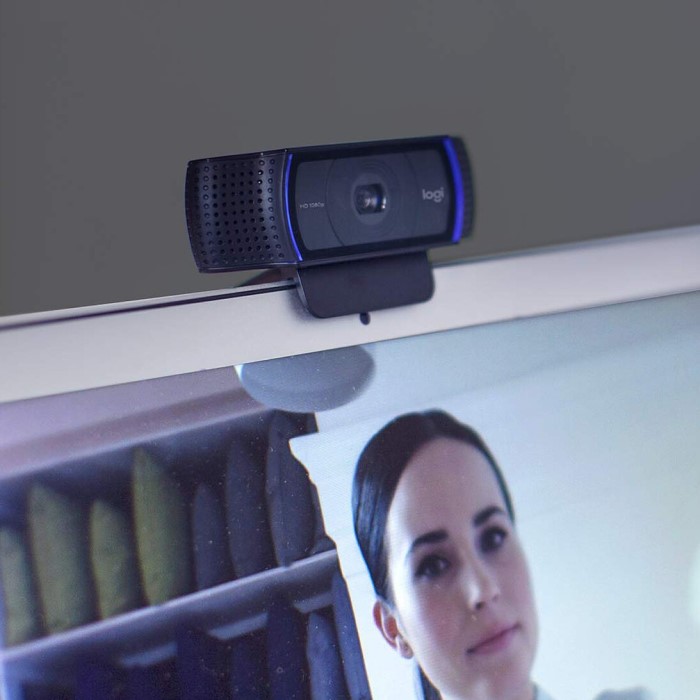
- Adjustable Camera Angle: Positioning the camera correctly is essential for getting the best video quality. Users can easily adjust the camera’s angle to find the optimal view for their specific setup.
- Versatile Mounting Options: The C920 includes a versatile mount that allows it to attach easily to monitors, laptops, or other surfaces. This flexibility ensures that users can secure the webcam properly to achieve the best frame and visual perspective.
- Using a Tripod for Flexibility: For those seeking greater flexibility in positioning, using a tripod is an excellent option. A tripod allows you to set the webcam at various heights and angles, making it suitable for different scenarios, such as streaming or conference calls.
Install Software (Optional)
- Out-of-the-Box Functionality: The Logitech C920 functions remarkably well immediately after setup. Users can enjoy high-quality video without needing to install any software initially.
- Customization Options: Users looking for more customization and control can opt to download Logitech’s software, such as Logitech Capture. This software offers a range of features that enhance the webcam’s functionality.
- Adjusting Settings: With Logitech Capture, users can adjust various settings, such as brightness, contrast, and zoom. This level of customization ensures that each user can tailor their experience to fit their specific needs and preferences.
- Creating Overlays and Recording: The software also allows users to create overlays, adding a professional touch to their video streams or recordings. Additionally, users can easily record high-quality videos directly from the software, enhancing their content creation capabilities.
Choosing a Background
- Professional Background Matters: When participating in meetings or video calls, the background plays a crucial role in creating a professional appearance. Users should select a clean and organized background that reflects their professionalism.
- Digital Background Options: If supported by your video conferencing software, users can utilize digital backgrounds to maintain focus during conversations. This feature can help minimize distractions in the background while presenting a polished image.
- Maintaining Focus on Conversations: Using an appropriate background, whether physical or digital, ensures that participants can concentrate on the conversation at hand. This consideration contributes to a more productive and engaging meeting atmosphere.
Customizing and Using Your C920 Webcam
After setting up your Logitech Webcam C920, you can explore its customizable settings to enhance your experience. Depending on the platform you are using, there may be additional features available. Here are some tips to get the most out of your webcam:
- Adjust Resolution and Frame Rate: Depending on your internet connection, you may want to modify the webcam’s resolution and frame rate settings. While 1080p is optimal, lowering the resolution to 720p can help maintain a stable connection in less-than-ideal internet conditions.
- Experiment with Camera Angles: Finding the perfect angle can make a significant difference in how you appear on screen. Make sure the camera is roughly at eye level and angled down slightly. This positioning promotes a more engaging and natural conversation.
- Utilize Logitech Software: With Logitech Capture or the Logitech G hub, you can access advanced features such as scene transitions, compositing, and customizable video settings. These tools cater especially to gamers and streamers, allowing for dynamic backgrounds and overlays.
- Lighting Setup: Ensure your setup is well lit. Consider using softbox lights or ring lights to enhance your appearance on camera. Proper lighting not only improves video quality but also reflects professionalism.
- Practice Good Audio Etiquette: To maximize audio quality, keep the microphone free from obstructions. When speaking, ensure that you are facing the camera, and try to minimize background noise to maintain clarity.
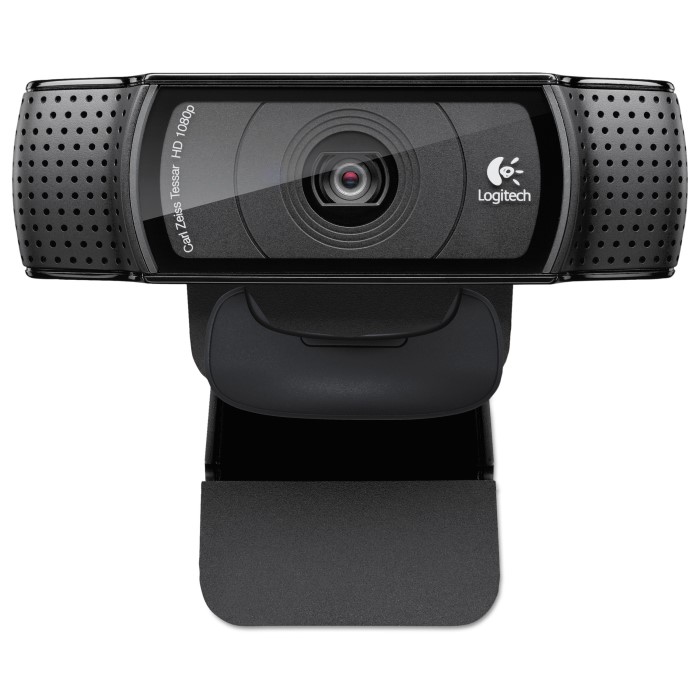
Comparing Logitech C920 and C922
If you’re debating whether to choose the Logitech C920 or C922, it’s essential to weigh the differences. While both models come packed with high-quality features, the C922 takes it a step further with improved low-light performance and the ability to stream at 720p in 60 frames per second.
The better choice largely depends on your specific usage. If you prioritize high-quality streaming or gaming, the C922 might be the best option. It’s designed to perform under various lighting conditions, making it ideal for dynamic environments. Conversely, if you’re primarily using it for casual video calls and recordings, the C920 offers excellent value while delivering quality results.
Frequent FAQs about the Logitech C920
Here are some common questions that users often ask about the Logitech C920:
- Is there software for the Logitech C920?
Yes, Logitech provides software called Logitech Capture, which allows customization of settings. You can also use third-party applications like OBS for advanced streaming options. - Is the Logitech C920 or C922 better?
The C922 typically outperforms in low-light conditions and offers better streaming features, while the C920 provides excellent quality at a slightly lower price point. - How to connect Logitech C920 webcam to laptop?
Simply connect the C920 via USB to your laptop. It should be recognized automatically. For further enhancements, consider installing Logitech software. - What is the price of the Logitech C920 webcam?
The price usually ranges from 70to100, depending on the retailer and available promotions.
Conclusion: Elevating Your Video Call Experience with the C920
In conclusion, the Logitech Webcam C920 represents an outstanding investment for anyone looking to enhance their video call experience. Its impressive array of features—including full HD video quality, effective autofocus, and dual microphones—cater to a wide range of users, from professionals to casual users.
By utilizing this webcam, you can significantly enhance the quality of your online communications, making each interaction more engaging and personal. The Logitech C920 stands as a benchmark for webcam technology today, ensuring that your video calls remain crisp, clear, and professional. If you’re in search of a reliable and high-quality webcam, the Logitech C920 is undoubtedly a top contender that promises to elevate your video communication to new heights.
Invest in the Logitech C920 Webcam today and experience the transformation in your online interactions!