
Introduction: Understanding Hard Drive Lifespan
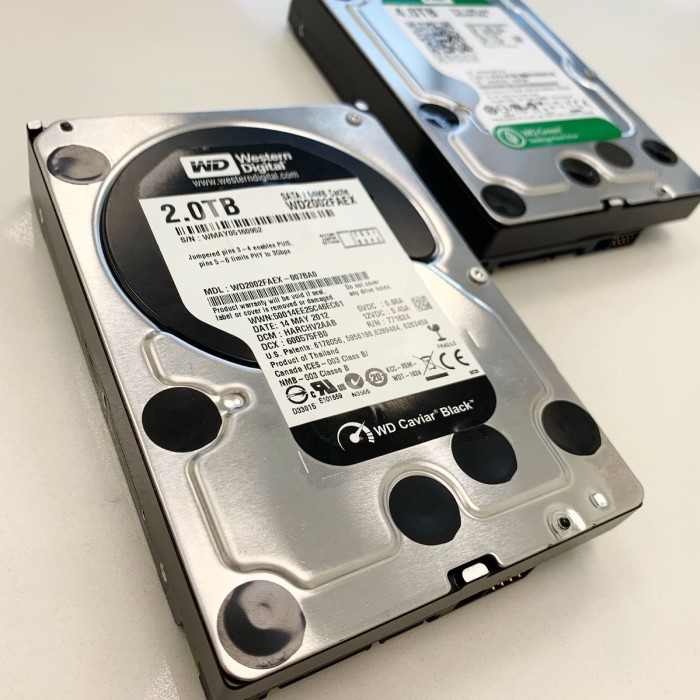
When it comes to data storage, one question that many users ask is, how long does a hard drive last? Understanding the lifespan of a hard drive is crucial for anyone who relies on digital storage for personal or professional data. Hard drives are an essential component of computers and servers, providing the space needed to store files, applications, and operating systems. However, like any technology, they have a limited lifespan that can be influenced by various factors. In this article, we will explore the expected lifespan of hard drives, the factors that affect their longevity, and alternative data storage solutions available in 2026.
What Determines Hard Drive Lifespan?
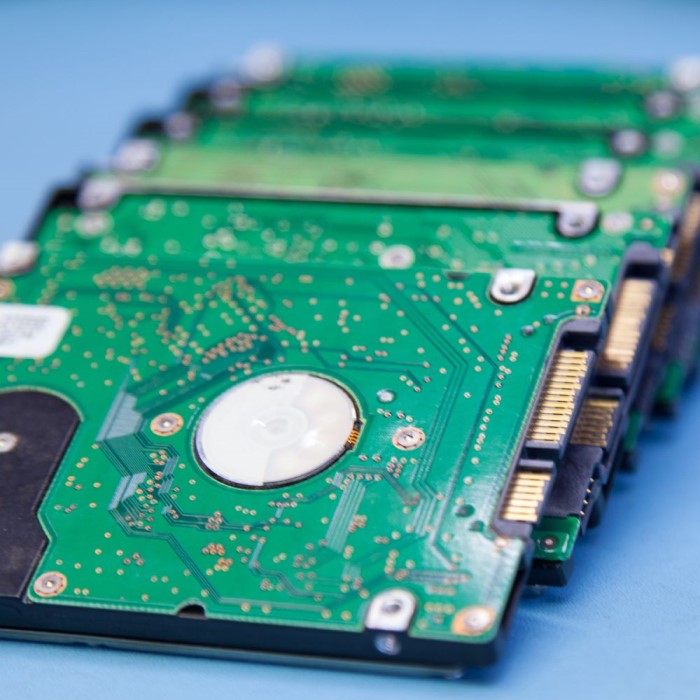
Understanding what affects the lifespan of your hard drive is crucial. Various factors and usage patterns play a significant role in determining how long your hard drive lasts. Let’s explore them in detail.
Factors Impacting Hard Drive Durability
- Temperature and Heat Levels:Excessive heat can damage the delicate components of a hard drive. Maintaining optimal temperatures ensures better performance and longevity.
- Quality of Build:High-quality hard drives tend to last longer. Cheaper models may fail sooner due to inferior materials.
- Power Surges and Electrical Spikes:Fluctuations in power can damage the drive’s circuitry. Using reliable power sources or surge protectors can help.
- Physical Impact or Vibrations:Hard drives are sensitive. Dropping the device or exposing it to constant vibrations can cause mechanical issues.
- Environmental Factors:Dust, humidity, and moisture can degrade a hard drive over time. Keeping the drive in a clean and dry environment helps.
- Manufacturing Defects:Faults during production can lead to premature failure. Always check warranty coverage when buying.
Role of Usage Patterns on Hard Drive Wear
- Frequency of Use:Drives used extensively will experience more wear and tear. Periods of rest can prevent overheating.
- Read/Write Cycles:Consistent writing and deleting of data can reduce the lifespan. Minimize unnecessary file operations when possible.
- Heavy Workloads:Drives handling large files or complex processes may wear out faster. Opt for drives designed for specific workloads.
- Improper Shutdowns and Sudden Power Loss:Abrupt power outages can corrupt data and harm the hard drive. Use uninterruptible power supplies to prevent this.
By understanding these factors and patterns, you can take actions to prolong the lifespan of your hard drive. Generally, a well-maintained hard drive lasts longer and works more reliably.
Types of Hard Drives and Their Average Lifespans
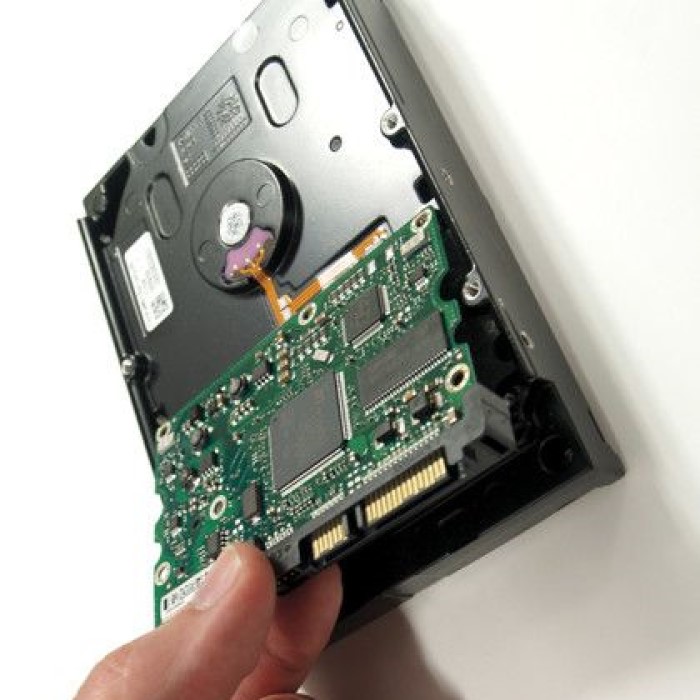
Understanding the average lifespan of different types of hard drives helps in future planning. Let’s explore the lifespans of HDDs and SSDs and compare their longevity and performance.
HDD (Hard Disk Drive) Lifespan
Hard Disk Drives (HDDs) are traditional storage devices using spinning disks. Their average lifespan ranges from 3 to 5 years with regular use.
Factors influencing HDD lifespan include:
- Usage Frequency: Heavy, continuous use leads to faster wear and tear.
- Physical Components: Internal moving parts like platters and heads can fail over time.
- Maintenance Practices: Regular defragmentation and error checks can extend functional lifespan.
Proper handling and avoiding shocks or vibrations reduce the risk of failure. High-quality HDDs often outlast cheaper options.
SSD (Solid State Drive) Lifespan
Solid State Drives (SSDs) use flash memory instead of spinning disks. This makes them faster and more durable. On average, SSDs last about 5 to 7 years under normal usage.
Factors affecting SSD lifespan include:
- Write Cycles: Flash cells degrade with each write cycle. Modern SSDs feature wear leveling to mitigate this.
- Quality of Components: High-quality SSDs handle more writes and last longer.
- Storage Conditions: Extreme temperatures or power surges can damage SSDs.
SSDs, without moving parts, have better durability against physical shocks compared to HDDs.
Comparisons Between HDDs and SSDs
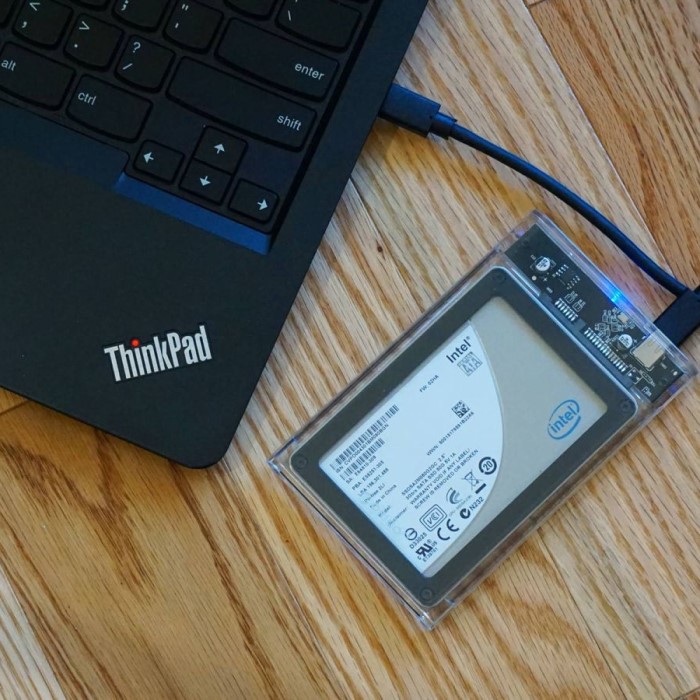
Choosing between an HDD and SSD depends on specific needs. Here’s how they compare:
- Speed: SSDs are significantly faster than HDDs in data transfer and boot times.
- Lifespan: SSDs generally last longer due to solid-state technology and no moving parts.
- Price: HDDs are more budget-friendly with larger storage capacities. SSDs are pricier per GB.
- Durability: SSDs are more resistant to physical damage and environmental factors.
In summary, HDDs are suitable for cost-effective, large-capacity storage, while SSDs offer speed, durability, and longer lifespans. Understanding the pros and cons of each helps in making the right choice depending on your requirements.
Common Signs of Hard Drive Failure
Recognizing hard drive failure early can save data and prevent costly repairs. Here are key warning signs you should know.
Physical Symptoms and Mechanical Issue Indicators
- Strange Noises: Clicking, grinding, or whirring sounds often indicate mechanical failure in hard drives.
- Overheating: Excessive heat can damage components. A hot-to-touch hard drive signals trouble.
- Vibrations: Unusual vibrations or rattling can mean loose components or internal malfunctions.
- Visible Physical Damage: A dented or cracked casing can compromise the drive’s ability to function.
- Frequent System Crashes: Random freezes or shutdowns may point to hard drive problems.
If you observe these mechanical symptoms, act quickly. Stop using the drive to prevent further damage and seek professional help if needed.
Data Errors and Boot Problems
- Delayed File Access: Slow file opening or transferring indicates the drive is struggling.
- Corrupted Files: Files not opening correctly or showing errors hint at data corruption.
- Missing Data: Files disappearing without any reason may mean the drive is failing.
- Boot Failures: Trouble starting your system or seeing error messages while booting shows drive failure.
- Frequent Error Messages: Errors like “file cannot be read” suggest issues with the drive’s data integrity.
These signs suggest your hard drive’s health is declining. Back up your data immediately to avoid data loss.
By staying vigilant, you can identify hard drive failure early. This allows time for data recovery and replacement before it’s too late.
How to Extend the Life of Your Hard Drive
How long does a hard drive last? Taking proactive steps to care for your hard drive can significantly increase its lifespan. By implementing maintenance routines and adopting better usage practices, you can reduce the risk of failure and maximize the value of your investment.
Importance of Regular Maintenance
Maintaining your hard drive is essential for its durability and performance. Here’s what you can do:
- Run Disk Checks Regularly: Use built-in tools to scan and repair errors on your drive.
- Defragment HDDs (if applicable): Regular defragmentation improves the performance of traditional hard drives.
- Use Antivirus Software: Protect your drive from malware, which can corrupt files and shorten its life.
- Monitor Storage Space: Avoid overloading the drive to prevent overheating and performance drops.
- Update Firmware and Drivers: Keep the hard drive firmware and drivers updated for optimal functionality.
These simple maintenance tasks ensure your hard drive operates smoothly for years.
Best Practices for Usage and Storage
Proper handling and environment significantly influence hard drive longevity:
- Handle With Care: Avoid drops, impacts, or rough handling to prevent mechanical damage.
- Protect From Heat: Ensure adequate ventilation and keep the drive away from heat sources.
- Avoid Power Surges: Use surge protectors or an uninterruptible power supply (UPS) to stabilize electricity flow.
- Store in a Dust-Free Environment: Keep the hard drive clean and away from dust or moisture.
- Limit Read/Write Cycles: Perform essential file operations only to reduce wear and tear.
- Safely Eject Drives: Always eject external drives properly to prevent data loss and drive damage.
By following these usage and storage tips, you can extend the life of your hard drive and ensure reliable performance.
Backup Strategies to Protect Your Data
How long does a hard drive last? Backing up your data is vital for safeguarding important files against unexpected failures. A solid backup strategy ensures that your information remains secure and accessible at all times. Let’s delve into why backups matter and explore effective methods to protect your data.
Why Regular Backups Are Crucial
Regular backups prevent irreversible data loss during hard drive failures and accidents. Here’s why they are essential:
- Hard Drive Failures Can Occur Anytime: Drives can wear out or fail suddenly, leading to data loss.
- Protection Against Accidental Deletion: Backups recover files lost due to human errors or software mishaps.
- Defense Against Malware: Ransomware or viruses can corrupt or erase data, but backups provide a safe copy.
- Enable System Recovery: If your system crashes, backups allow you to restore it fast.
- Peace of Mind: Knowing you can retrieve data reduces stress associated with unexpected failures.
By maintaining regular backups, you ensure your critical files are always safe and easy to recover.
Choosing the Right Backup Methods and Tools
Selecting an appropriate backup method and tool is essential for a reliable strategy. Here are common options:
- External Hard Drives: Use portable drives to store backups locally and access files easily.
- Cloud Storage Services: Services like Google Drive or Dropbox provide convenient remote backups.
- Network Attached Storage (NAS): A central device for automated backups within your network.
- Backup Software: Software like Acronis or EaseUS automates data backups with customizable schedules.
- Hybrid Backup Solutions: Combine local and cloud backups for greater security and flexibility.
Key Tips for Effective Backup Practices
- Set Up Automatic Backups: Automate backups to prevent forgetting regular updates.
- Follow the Rule of Three: Keep three copies—original, onsite backup, and offsite backup.
- Use Encryption: Protect backups with encryption to prevent unauthorized access.
- Test Backup Restorations: Periodically check if restored files function correctly.
- Keep Backups Updated: Include updated files to ensure backups are always current.
Choosing the right backup strategies and sticking to them ensures your critical data remains protected from unexpected risks.
Evaluating Hard Drive Monitoring Tools
How long does a hard drive last? Monitoring tools are crucial for checking hard drive health regularly. They help prevent failures by offering timely alerts and updates. Using these tools ensures data security and helps you plan hard drive replacements when needed.
Tools for Predicting Hard Drive Health
Predictive tools analyze hard drive performance and forecast potential issues. Here are some key tools:
- CrystalDiskInfo:
- Monitors temperature, drive status, and other metrics.
- Provides real-time updates and alerts.
- Hard Disk Sentinel:
- Measures performance and health.
- Offers detailed reports and recommendations.
- Defraggler:
- Assesses fragmentation levels on HDDs.
- Helps optimize drive performance by defragmenting data.
- DiskCheckup:
- Evaluates disk status using predictive analysis.
- Displays information on potential hardware failures.
- Manufacturer Tools:
- WD Data Lifeguard, SeaTools, and others.
- Tailored to monitor and test specific brands.
These tools allow users to stay informed about drive health and adopt preventive measures promptly.
SMART Diagnostics and Their Benefits
SMART (Self-Monitoring, Analysis, and Reporting Technology) is built into most modern drives. It tracks various parameters for early detection of issues. Benefits include:
- Performance Monitoring:
- Detects slow read/write speeds indicating internal problems.
- Error Reporting:
- Logs errors and potential risks during operations.
- Temperature Control:
- Alerts users if drive temperature exceeds safe limits.
- Early Warnings:
- SMART generates alerts for potential failures before they occur.
- Improved Data Safety:
- Enables timely backups in response to warnings.
By using SMART diagnostics and predictive tools, you can extend your hard drive’s life. Regular monitoring also ensures data safety and minimizes unexpected disruptions.
When to Replace Your Hard Drive
Knowing when to replace your hard drive is crucial for avoiding data loss. Timely replacement ensures smooth operations and protects your data from unexpected failures. Let’s look at important indicators and lifespan expectations to guide your replacement decisions.
Warning Signs That Replacement Is Necessary
Over time, a hard drive’s performance declines. Recognizing the warning signs can help prevent data loss:
- Frequent Crashes: If your computer crashes or freezes often, the hard drive may be failing.
- Unusual Noises: Clicking, grinding, or whirring noises are signs of mechanical failure in HDDs.
- Frequent Error Messages: Continuous file reading or writing errors indicate potential wear on the drive.
- Slow Performance: If booting or file transfer speeds drop significantly, the drive may need replacement.
- Bad Sectors: Repeated disk errors caused by bad sectors mean the drive is near failure.
- Visible Damage: Cracks, dents, or other physical damage can lead to failure if not addressed.
- SMART Alerts: Take SMART (Self-Monitoring, Analysis, and Reporting Technology) warnings seriously. They signal potential issues.
If you notice any of these signs, back up your data immediately. Delaying replacement increases the risk of losing important files.
How Long Should You Expect a Hard Drive to Last?
The lifespan of a hard drive depends on its type and usage patterns. Here’s a quick overview:
- HDD Lifespan: Traditional hard disk drives usually last 3 to 5 years under normal use. Heavy workloads or physical damage can shorten this lifespan significantly. Regular maintenance can extend its life slightly.
- SSD Lifespan: Solid-state drives last longer than HDDs, typically around 5 to 7 years. They don’t have moving parts, making them more durable. However, write cycles can gradually wear out the memory cells.
Other Factors to Consider:
- Usage: Drives used extensively for data-heavy applications wear out faster.
- Quality: Reliable, high-quality drives last longer than cheaper options.
- Environmental Factors: Protect your drive from heat, dust, and power surges to extend its lifespan.
In general, it’s best to replace a hard drive after 3 to 5 years. For peace of mind, always monitor its health using reliable tools and regularly back up your data.
Replacing your hard drive before it fails ensures optimal performance and data security. Stay alert to warning signs and act proactively to avoid costly issues.
Conclusion: Making Informed Storage Decisions
In conclusion, understanding how long does a hard drive last is essential for making informed decisions about data storage and management. Hard drives can typically last between 3 to 5 years, while solid-state drives may provide longer usage. Factors such as usage patterns, environmental conditions, and regular maintenance can significantly impact their longevity.
Moreover, exploring alternatives such as cloud storage, external hard drives, and NAS systems can enhance your data management strategy. Emphasizing the importance of maintaining and backing up your data ensures that you are prepared for unexpected failures. By staying informed and proactive, you can maximize the lifespan of your storage solutions and protect your valuable data effectively.
 Griley