
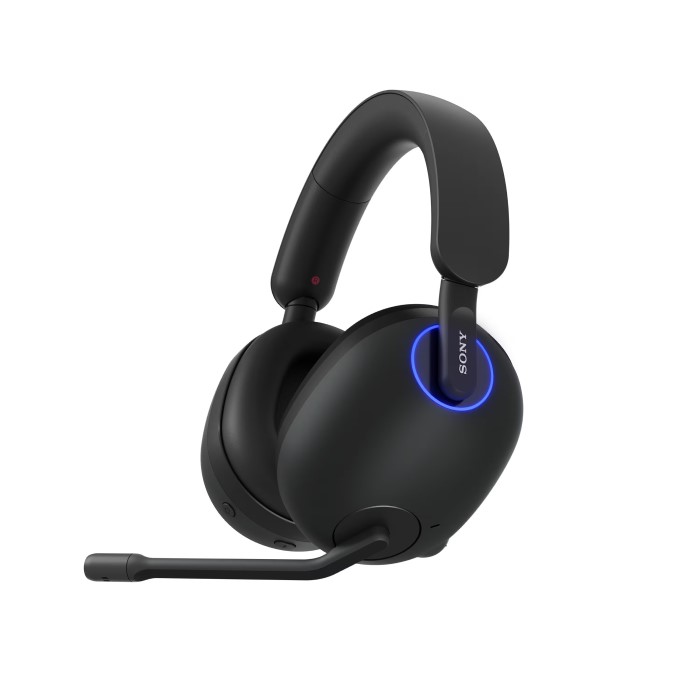
Introduction to the Best Noise Cancelling Gaming Headset
In the world of gaming, auditory immersion plays a critical role in enhancing the overall experience. Whether you are delving into the depths of a virtual world, engaging in competitive multiplayer matches, or enjoying a cinematic single-player campaign, the sounds around you can make all the difference. This is why investing in the best noise cancelling gaming headset is essential. These headsets prioritize sound quality while minimizing external noise, helping you to focus solely on your game.
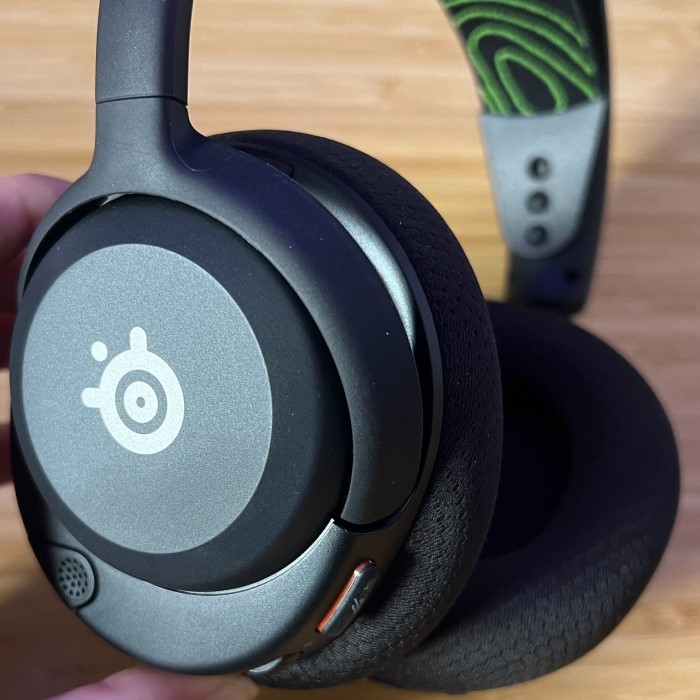
As the demand for gaming headsets continues to rise, choosing the right one can be overwhelming. With various models, features, and price ranges available, how do you know which is the best fit for you? In this article, we will explore the top noise cancelling gaming headsets on the market, breaking down their features, benefits, and the reasons why they stand out.
Why Choose a Noise Cancelling Gaming Headset?
Noise-cancelling technology has become increasingly popular across different audio devices. But what exactly does it do, and why should you consider it for gaming? Here are some compelling reasons:
1. Enhanced Audio Experience
- Isolation: Noise cancelling headsets block out unwanted ambient sounds, which helps you focus on the in-game audio. You won’t be distracted by background noises, which can significantly enhance your gameplay.
- Immersive Sound: By isolating game sounds, including footsteps, dialogue, and ambient effects, a noise cancelling headset allows you to experience your games more fully. You get to hear subtle details that might otherwise be missed.
2. Comfortable Gaming Sessions
- Extended Use: Most high-quality noise cancelling headsets are designed for comfort during long gaming sessions. Features like padded ear cups and adjustable headbands allow for a snug fit without discomfort.
- Reduced Strain: With the ability to block external noises, you can maintain lower volume levels, which helps reduce ear fatigue during prolonged use.
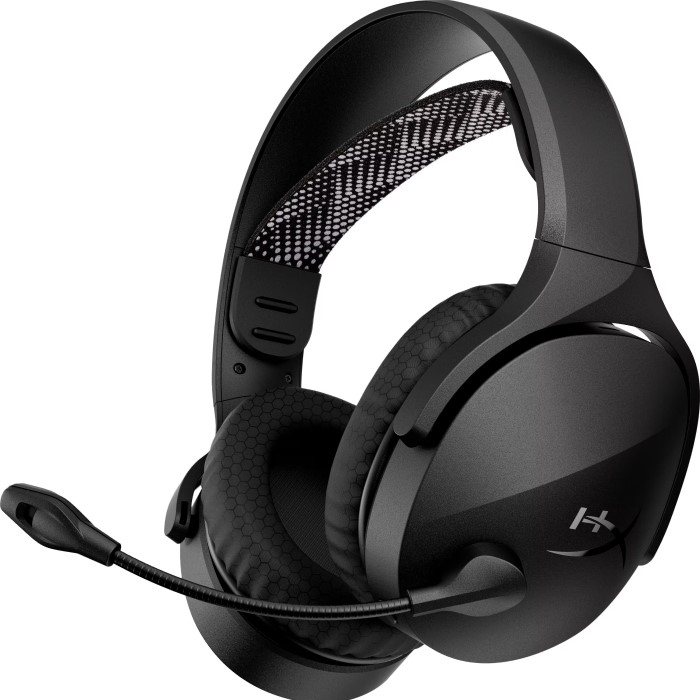
3. Competitive Advantage
- Awareness: Being able to hear critical in-game sounds clearly, such as opponents approaching in multiplayer games, gives you a competitive edge, allowing for quicker reactions.
- Concentration: With external noise minimized, you can concentrate better on strategy, decision-making, and teamwork during online matches.
Key Features to Look For in a Noise Cancelling Gaming Headset
When searching for the best noise cancelling gaming headset, it’s important to consider various features that can enhance your gaming experience. Here’s what you should keep in mind:
1. Active Noise Cancelling (ANC) Capabilities
- Understand ANC: Look for headsets equipped with active noise cancelling technology. This feature actively reduces background noise using built-in microphones that detect external sounds and generate opposing sound waves.
- Adaptive Modes: Some headsets come with adjustable settings that allow you to choose the level of noise cancellation based on your environment. This can be particularly useful if you occasionally want to hear outside sounds, such as when someone speaks to you.
2. Sound Quality
- Audio Drivers: Quality headsets generally feature larger drivers, typically measuring 50mm or more, that deliver powerful sound and clear frequency ranges.
- Surround Sound: Check if the headset supports virtual surround sound. This feature enhances spatial awareness in gaming, letting you pinpoint the direction of sounds more accurately.
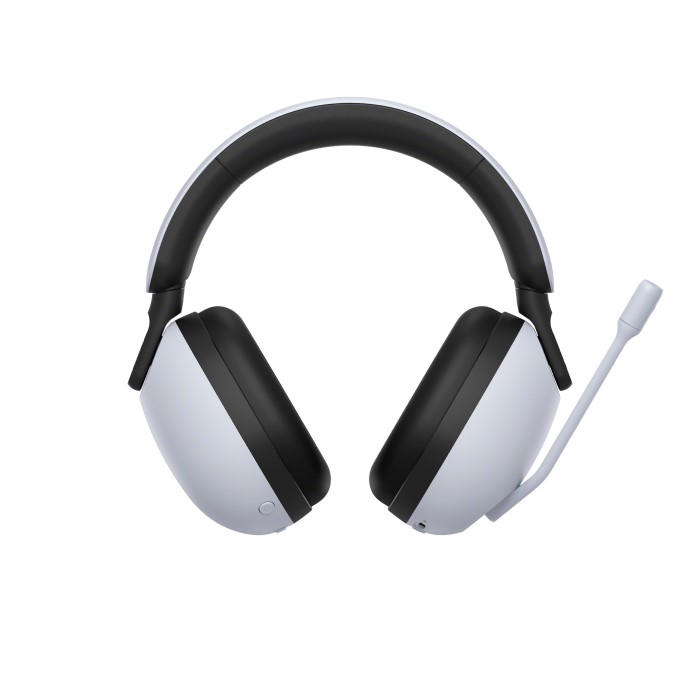
3. Comfort and Fit
- Ear Cushion Material: Look for headsets with soft, breathable materials for the ear cushions. Leatherette materials tend to trap heat, while fabric options often provide better breathability.
- Lightweight Design: A lightweight design can help reduce fatigue during extended sessions. Ensure that the headset balances comfort with durability.
4. Battery Life
- Consider Wireless Options: If you prefer wireless headsets, check how long the battery lasts on a single charge. Most noise cancelling headsets offer battery life ranging from 15 to 30 hours.
- Quick Charging: Some models feature quick charging capabilities, allowing you to get additional hours of playtime in just a short charging session.
5. Connectivity Options
- Wireless vs. Wired: Determine your preference. Wired headsets often provide lower latency, while wireless options offer freedom of movement. Many gamers prefer wired headsets for competitive gaming.
- Compatibility: Ensure that the gaming headset is compatible with your gaming platform, whether it’s a PC, console, or mobile device.
Top Picks for the Best Noise Cancelling Gaming Headset
Now that you know what to look for, let’s take a look at some of the best noise cancelling gaming headsets available today. Each of these models offers unique features, catering to various preferences and budgets.
1. Sony WH-1000XM4
- Overview: While not exclusively a gaming headset, the Sony WH-1000XM4 offers exceptional active noise cancelling and sound quality. It’s widely praised for its customizable sound settings, making it versatile for gaming, music, and more.
- Features: With an impressive battery life of up to 30 hours and touch controls for music playback and calls, this headset maximizes convenience.
2. SteelSeries Arctis Pro Wireless
- Overview: The SteelSeries Arctis Pro Wireless is designed specifically for gamers, delivering stunning audio performance and comfort.
- Features: This headset features dual wireless connectivity, allowing users to switch between Bluetooth and a dedicated 2.4 GHz connection. Plus, its retractable microphone ensures clear communication in multiplayer games.
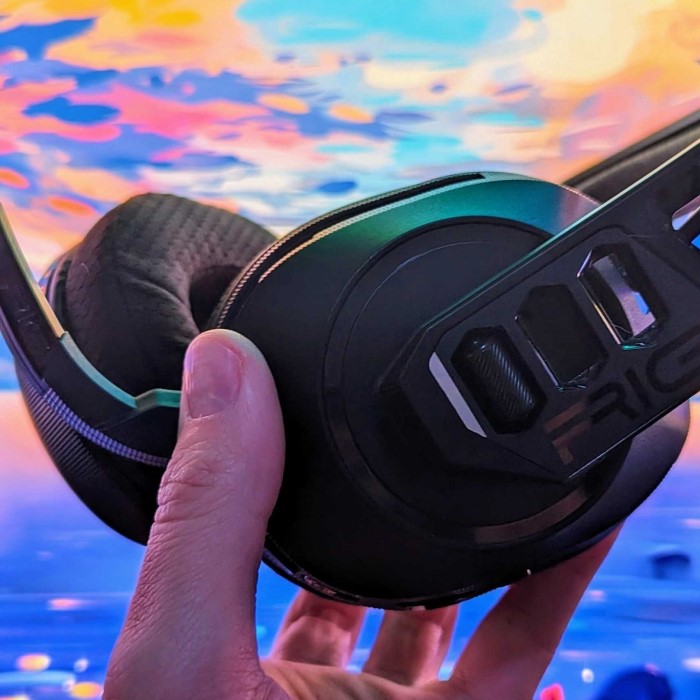
3. HyperX Cloud II
- Overview: The HyperX Cloud II is recognized for its comfort and powerful sound. It’s a favorite for gamers seeking quality without breaking the bank.
- Features: It offers 7.1 surround sound and durable construction, making it practical for long gaming sessions.
4. Razer BlackShark V2
- Overview: The Razer BlackShark V2 is a fantastic option for anyone looking for an immersive gaming headset. It combines effective noise isolation and robust sound quality.
- Features: With THX Spatial Audio and a comfortable design, it’s perfect for competitive gaming and extends the flexibility of playing for hours.
Tips for Maintaining Your Noise Cancelling Gaming Headset
To ensure your best noise cancelling gaming headset remains in top shape, here are some maintenance tips:
1. Store Properly
- Travel Cases: When not in use, store your headset in a protective case to prevent damage. Many manufacturers supply travel cases that provide extra padding.
- Avoid Extreme Conditions: Protect your headset from extreme temperatures and humidity, which can damage electronic components and degrade sound quality.
2. Clean Regularly
- Keep Ear Cushions Fresh: Use a damp cloth to wipe the ear cushions and headband. If removable, consider washing them according to the manufacturer’s instructions.
- Sanitize: Keeping your headset sanitary is important, especially if multiple users share it. Use disinfectant wipes on non-electronic surfaces to avoid damage while maintaining cleanliness.
3. Update Software
- Check for Updates: For wireless headsets, regularly check for firmware updates. Manufacturers often release updates to enhance performance or fix bugs.
- Utilize Companion Apps: Many headset brands offer companion apps that can help customize settings and keep the device updated.
Common Issues and Solutions
While using a noise cancelling gaming headset, you may encounter some common issues. Here’s how to troubleshoot them:
1. Connectivity Problems
- Check the Connection: For wired headsets, ensure that the cable is securely plugged in. If wireless, verify that the device is fully charged and within range.
- Reset Connections: Power cycle both the headset and the connected device. Sometimes, simply re-establishing connections can solve the problem.
2. Issues with Noise Cancellation
- Ensure Proper Fit: Noise-cancelling performance may be compromised if the headset doesn’t fit properly. Adjust your headset for a snug fit around the ears.
- Review Settings: Check the companion app for noise-cancelling settings. In some cases, users can adjust levels to suit their preferences or environments.
Conclusion: Embrace the Power of Noise Cancellation
In summary, understanding how to choose and use the best noise cancelling gaming headset can significantly enhance your gaming experience. By investing in a quality product, you ensure that you can immerse yourself in your games without distractions while also benefiting from superior sound quality and comfort.
Take the time to explore the various features and models available, and consider what suits your personal preferences best. Whether you choose a wired option for its reliability or a wireless headset for convenience, the correct device will transform the way you play.
So gear up, get ready to focus, and immerse yourself fully in your gaming adventures with the power of noise cancellation at your fingertips!
 Charlotte