
Understanding Hard Drive Docking Stations
In the digital age we live in, elevating your data management capabilities is crucial. Whether you are a professional working with large datasets or an everyday user who wants to keep personal memories and files safe, having the right tools can make all the difference. One such tool that has grown in popularity is the hard drive docking station. It serves as a bridge between your hard drives and your computer, allowing for easier access and effective data management. But what is it precisely, and how does it function? In this article, we will explore the concept of hard drive docking stations and evaluate their benefits in everyday use.
How Does a Hard Drive Docking Station Function?
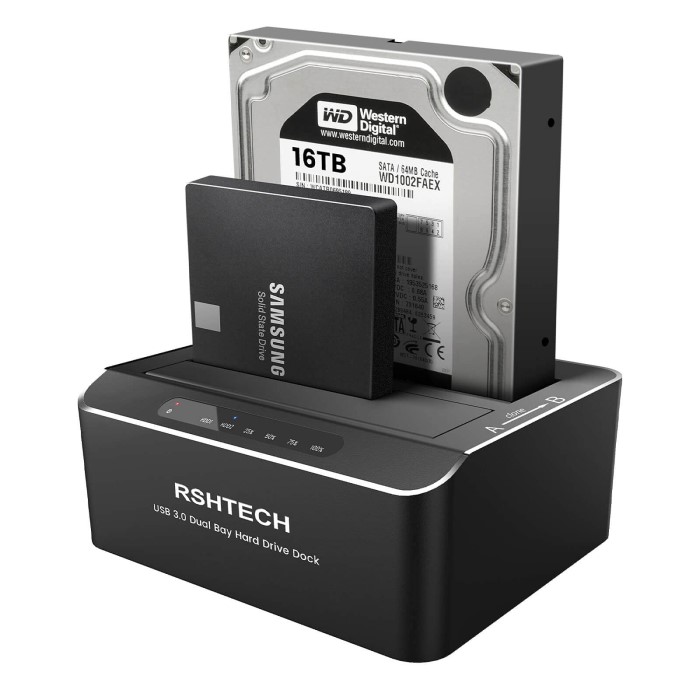
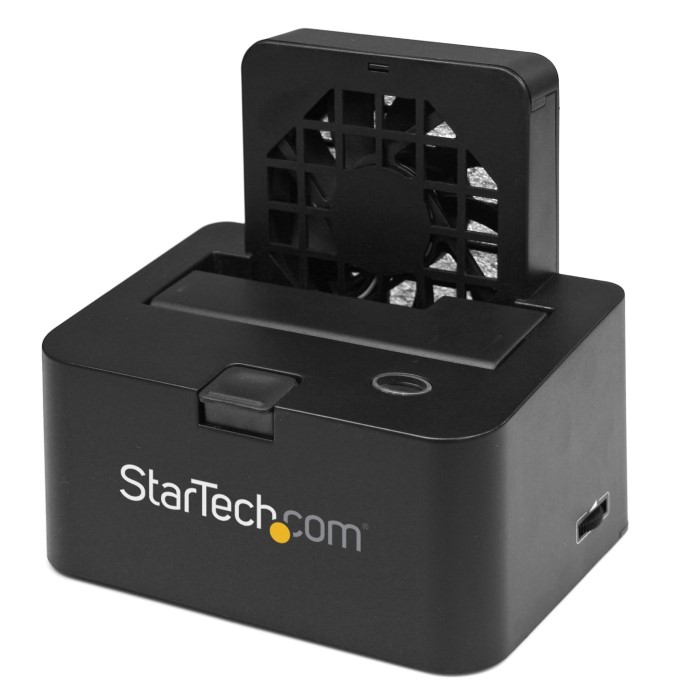
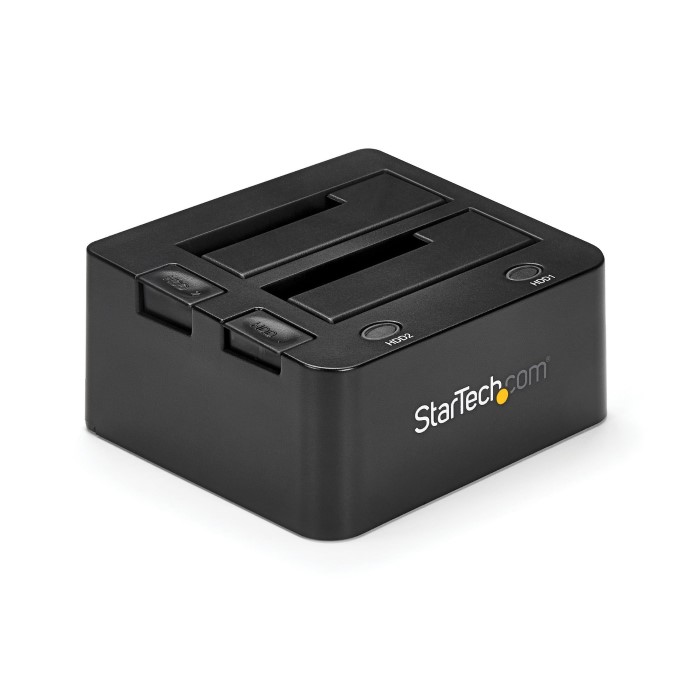
A hard drive docking station allows you to connect hard drives directly to your computer without the physical limitations of an external enclosure. Essentially, it consists of a docking unit where you can place your hard drive, which is then connected to your computer via USB, eSATA, or Thunderbolt connections. The docking station can accommodate various types of hard drives, particularly SATA drives, which are most commonly used today.
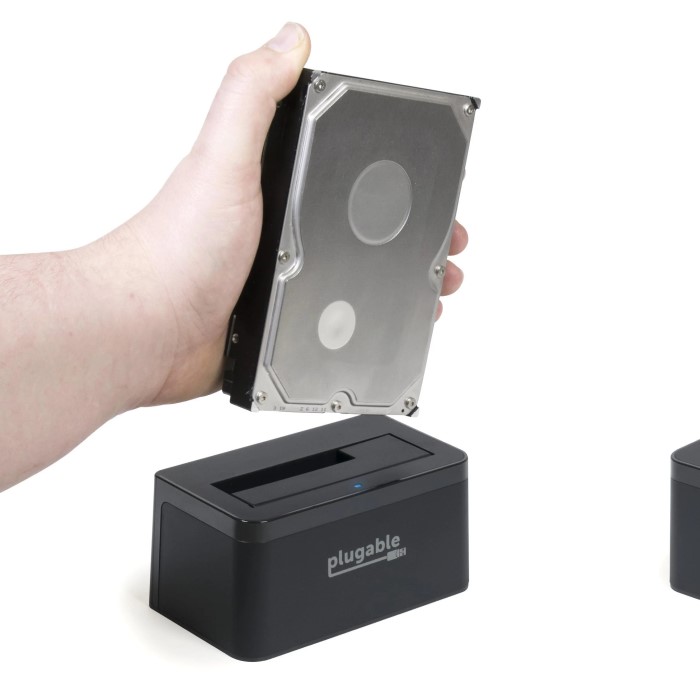
The functional advantage of a hard drive docking station lies in its simplicity. Instead of having to open up an external enclosure to access your drive, you can insert and remove the hard drive as needed. This is particularly useful if you frequently switch drives. Not only does this save time, but it also minimizes wear and tear on the drives themselves, prolonging their lifespan.
Key Features to Look For
When browsing for a hard drive docking station, several critical features should guide your decision-making process.
Compatibility:
It is crucial to verify that the docking station you choose can accommodate the specific types of hard drives you own.
The dock should support either SATA (Serial ATA) drives, which are commonly found in most consumer-grade hard drives and SSDs, or IDE (Integrated Drive Electronics) drives, which are older technology but might still be in use.
Compatibility with your existing drives will ensure that you can utilize the docking station without needing additional adapters or converters.
Data Transfer Speeds:
When selecting a docking station, prioritize models that feature USB 3.0 or USB-C ports, as they provide significantly faster data transfer speeds compared to older USB standards.
USB 3.0 has a maximum transfer rate of up to 5 Gbps, while USB-C can support even higher speeds, especially when using the USB 3.1 or Thunderbolt protocols.
Choosing a dock with faster data transfer capabilities is essential, especially if you plan to transfer large files or conduct frequent backups.
Design and Form Factor:
The design of the docking station can greatly influence its usability in your workspace.
Some docks come with a sleek, slim profile, making them ideal for conserving desk space and integrating seamlessly into minimalist setups.
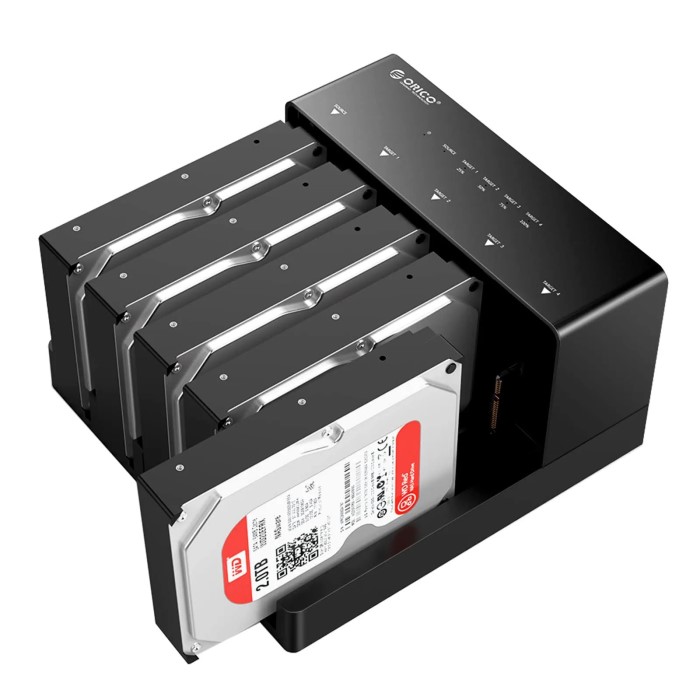
Other models might offer a vertical storage option, which not only saves space but also allows for easier access to multiple drives, enhancing convenience and organization.
Power Supply Capabilities:
Consider the power supply requirements of the docking station, as some larger or high-capacity hard drives might necessitate an external power source to function properly.
Docks that include their own power supply can ensure stable performance and prevent issues like drive disconnection or power failure, especially during intensive data transfers.
It’s important to check whether the dock can support bus-powered drives, which draw power from the USB connection, or if an external power supply is essential.
Portability:
If you frequently travel or move between different workspaces, opt for a lightweight docking station that is designed for portability.
Look for models that are compact and easy to carry, ensuring you can easily pack them in a laptop bag or backpack without adding significant weight or bulk.
A portable dock can enhance your productivity by allowing you to connect your hard drives quickly and efficiently, regardless of your location.
Benefits of Using a Hard Drive Docking Station
Implementing a hard drive docking station into your routine offers multiple advantages. First and foremost, it simplifies the process of accessing your data. Quick and easy connections reduce the hassle involved in file transfers and backups. For professionals working in fields where large files are commonplace, this is a game-changer.
Moreover, a hard drive docking station can significantly streamline workflows. Instead of managing multiple external drives, you have the flexibility to swap them in and out as needed. This capacity can lead to increased productivity, making it easier to concentrate on the task at hand rather than switching between devices.
Additionally, hard drive docking stations often come with some advanced features, such as one-touch backup buttons or additional ports for connecting multiple devices. These conveniences can drastically improve how you interact with your stored data, saving you time and effort.
Common Applications for Hard Drive Docking Stations
Hard drive docking stations have a broad range of applications that are beneficial for different types of users. For instance, freelancers who work with large multimedia files may find this tool essential for backing up their work securely and efficiently. Photographers, in particular, can utilize docking stations to transfer photos from multiple memory cards rapidly, while still having easy access to their storage vast amounts of data.
Furthermore, IT professionals often depend on docking stations for tasks related to data recovery. If a drive fails or becomes corrupted, connecting it to a docking station can facilitate the recovery process by allowing for direct access to its contents. This not only saves time but can also be critical in safeguarding important data.
The Difference Between a Hard Drive Docking Station and an External Hard Drive
Basic Functionality
A hard drive docking station and an external hard drive both allow users to access data, but they do this in different ways.
An external hard drive is a self-contained device that includes both storage components and an enclosure. It is ready to use out of the box.
In contrast, a hard drive docking station does not have built-in storage; instead, it requires users to insert their own hard drives into the dock. This allows for the flexibility of using various drives as needed.
Storage Capacity and Flexibility
With an external hard drive, the capacity is fixed based on the size of the drive purchased.
A hard drive docking station offers the ability to manage multiple drives through a single piece of hardware. Users can easily swap out different hard drives, accommodating various storage needs without buying multiple devices.
Cost-Effectiveness
The cost associated with external hard drives can add up quickly, especially for users who need multiple storage solutions.
Hard drive docking stations are generally more economical for users with multiple storage requirements. Instead of investing in separate external hard drives, one can buy a single docking station and several drives that can be interchanged as necessary.
Data Management Efficiency
Using a single external hard drive requires connecting and disconnecting multiple devices, which can be cumbersome and lead to potential wear on the connectors.
A docking station streamlines the process of data management, allowing users to quickly switch between drives and access data without hassle.
Use Case Scenarios
External hard drives are ideal for users who require a portable, all-in-one solution for backup and storage that doesn’t involve managing multiple drives.
Docking stations are more suitable for professionals or tech-savvy users who need flexible, cost-effective access to various hard drives for backup, transfer, or extensive data management purposes.
Portability and Convenience
External hard drives are designed for portability; they are lightweight and easy to carry, making them excellent for users on the go.
Hard drive docking stations are usually less portable and are better suited for desktop setups where drives do not need to be frequently moved.
FAQs
What does a hard drive docking station do?
A hard drive docking station enables users to connect their hard drives directly to a computer easily. It acts as an interface, facilitating quick data transfers.
Can you use a docking station as an external hard drive?
While a docking station itself is not an external hard drive, it allows you to utilize bare hard drives as external storage devices by providing the required connections.
Can I connect an external hard drive to a USB hub?
Yes, you can connect an external hard drive to a USB hub. However, ensure that the hub can support the required power and data transfer rates for optimal performance.
What is the difference between a hard drive case and a docking station?
A hard drive case is an enclosure that protects and contains a hard drive, whereas a docking station allows for easy, direct access without an enclosure.
Conclusion
In summary, investing in a hard drive docking station can profoundly enhance your data management tasks and backup processes. By promoting simplified access and the capability of seamlessly switching drives, these valuable tools enable both individuals and professionals to organize their data more effectively. No matter if you are an everyday user looking to back up your family photos or a professional working with large files, a hard drive docking station will certainly improve your efficiency and productivity.
Embrace the benefits of modern data management today. Whether you are upgrading your existing gear or investing in new tech, consider the advantages a hard drive docking station can offer. Your data integrity, security, and overall management will undoubtedly improve, making your life a lot easier in our fast-paced digital world.