
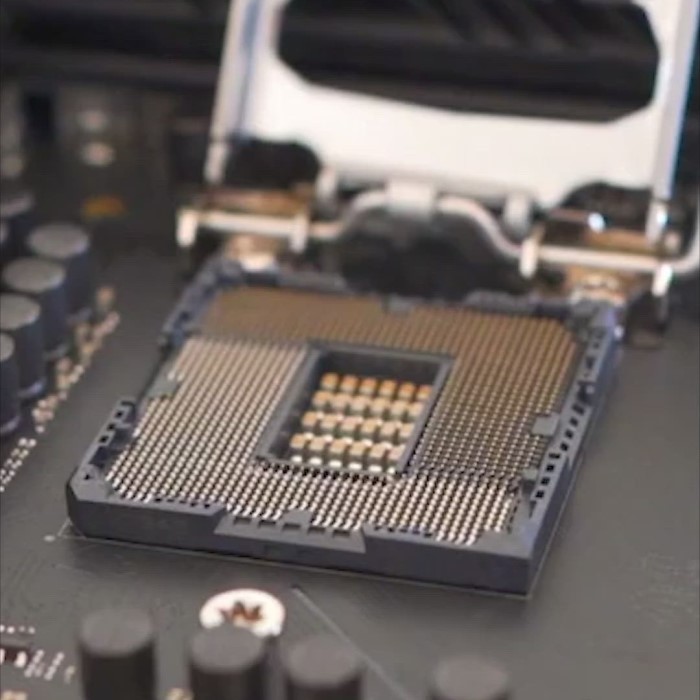
Introduction: The Importance of Picking the Right Motherboard
Choosing the right motherboard is crucial for any PC build. It serves as the backbone of your computer, connecting all components and enabling communication between them. In 2025, the landscape of technology is changing rapidly, which is why knowing how to pick a motherboard has become more important than ever. Future-proofing your PC means investing in components that will remain relevant for years to come.
Motherboards are available in various sizes, features, and price points, making the selection process somewhat overwhelming. Understanding the emerging trends and key specifications can empower users to make informed decisions. Whether you are a seasoned builder or a newcomer, knowing what to look for will help you select a motherboard that meets your needs.
How to pick a motherboard? In this article, we will explore the latest trends for 2025, evaluate essential features to consider, and provide insights on how to ensure your motherboard can keep up with future developments in technology.
Key Features to Consider
Form Factor
The first step in how to pick a motherboard is to understand the different form factors available. The form factor dictates the motherboard’s physical size, layout, and specifications.
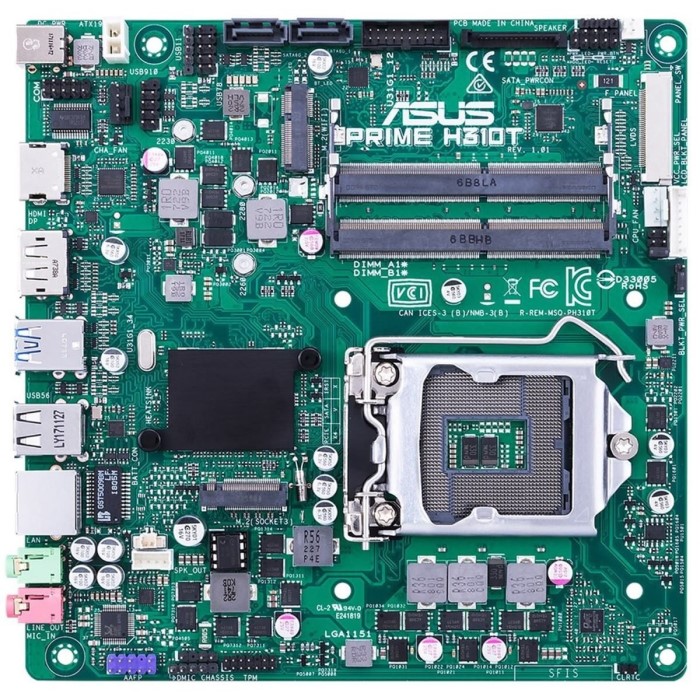
- ATX vs. Micro ATX vs. Mini ITX: Common form factors include ATX, Micro ATX, and Mini ITX. ATX boards generally offer more features and expansion slots but require larger cases. In contrast, Mini ITX is compact but may have fewer features and upgrade options. Selecting the appropriate form factor depends on your specific needs and the space available in your PC case.
- Future Expansion: Consider your future needs. If you plan to add more components later or require higher connectivity, opting for an ATX motherboard might be the best choice due to its expansive layout and more room for components.
CPU Compatibility
Determining CPU compatibility is critical when picking a motherboard. Each motherboard is designed to support specific CPU families.
- Socket Types: The first aspect to check is the socket type. Common socket types include LGA1200, LGA1700, and AM4. Ensure that your chosen motherboard supports the CPU you plan to use.
- Chipset Selection: In addition to the socket, pay attention to the motherboard chipset. It governs the motherboard’s features and capabilities. For instance, higher-end chipsets offer better overclocking features and performance for demanding tasks. Choose a chipset that aligns with your intended use, whether gaming, content creation, or general productivity.
Memory Support (RAM)
Another vital factor in how to pick a motherboard is the RAM support.
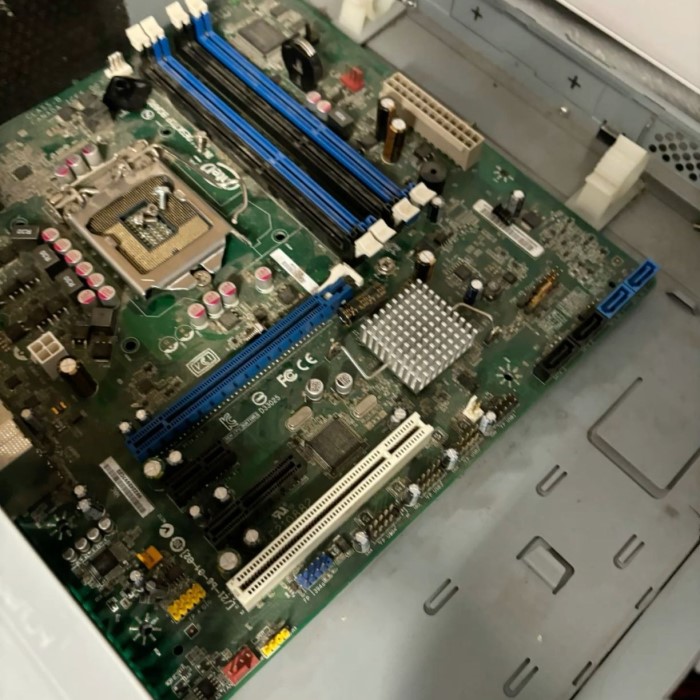
RAM Slots
- Number of Slots: Verify the number of RAM slots available on the motherboard. Most motherboards come with two to four slots. Having more slots allows for better upgrade options in the future.
- Maximum Capacity: Check the maximum RAM capacity supported by the motherboard. As applications and games become more demanding, having the ability to upgrade to higher RAM capacity can significantly benefit performance.
RAM Speed
- Supported RAM Speed: Different motherboards support different RAM speeds, measured in MHz. Higher-rated RAM speeds can offer better performance in tasks that utilize memory intensively.
- Overclocking Features: Some motherboards support memory overclocking, which can provide an additional performance bump if you plan to use high-performance RAM modules.
Graphics Card Compatibility
How to pick a motherboard? In the age of gaming and high-definition content creation, graphics performance is essential.
- PCIe Slots: Make sure your selected motherboard has the necessary PCIe slots for your graphics card. Most modern GPUs fit into PCIe x16 slots, but verifying compatibility is essential.
- Multi-GPU Support: If you’re considering future upgrades that may involve multiple graphics cards, check if the motherboard supports technologies like NVIDIA SLI or AMD CrossFire. This compatibility can be beneficial for high-end gaming setups or GPU-heavy tasks like video rendering.
Connectivity Options
USB Ports
- Variety of USB Ports: The convenience of USB ports can’t be underestimated. Ensure your motherboard has multiple USB ports, including USB-C, USB 3.2, and USB 2.0. This variety allows users to connect numerous devices simultaneously, enhancing functionality.
- Internal USB Headers: Additionally, look for internal USB headers for additional connections, such as front panel USB ports directly on your case. This feature can improve accessibility and streamline connections.
Networking Features
- Built-in Wi-Fi and Bluetooth: Many modern motherboards come with integrated Wi-Fi and Bluetooth support, eliminating the need for additional network cards. This feature is vital for convenience, particularly if you rely on wireless networks.
- Ethernet Connectivity: Ensure that the motherboard comes with high-speed Ethernet ports for stable and fast internet connectivity. Networking capabilities can significantly affect online gaming and streaming quality.
Expandability and Future-Proofing
Expansion Slots
Expandability
- Importance of Future-Proofing: When selecting a motherboard, it’s crucial to think about expandability. Future-proofing your PC build means considering not only your current needs but also potential upgrades you may want to implement down the line. Opting for a motherboard with ample expansion slots allows for a more flexible and adaptable system.
- Diverse Expansion Slots: Look for motherboards that offer a variety of expansion slots. Common types include PCIe (Peripheral Component Interconnect Express) slots, which are used for graphics cards, sound cards, and other add-on cards. Having multiple PCIe slots ensures you can expand the functionality and performance of your system as your needs evolve.
- Support for Additional GPUs: If you are into gaming, content creation, or any graphics-intensive tasks, consider a motherboard that accommodates multiple GPU setups. This capability allows you to add extra graphics cards for improved graphical performance and a smoother experience in demanding applications.
- Adding Sound Cards and Other Peripherals: Besides graphics cards, you may wish to integrate higher-quality sound cards or additional peripheral interfaces. A motherboard with extra slots can facilitate these expansions without requiring significant changes to your system architecture.
- Ensuring Longevity: By opting for a motherboard with sufficient expandability, you can extend the lifespan of your computer. This investment can save you money in the long run, as it allows for upgrades instead of complete system overhauls that typically come with aging components.
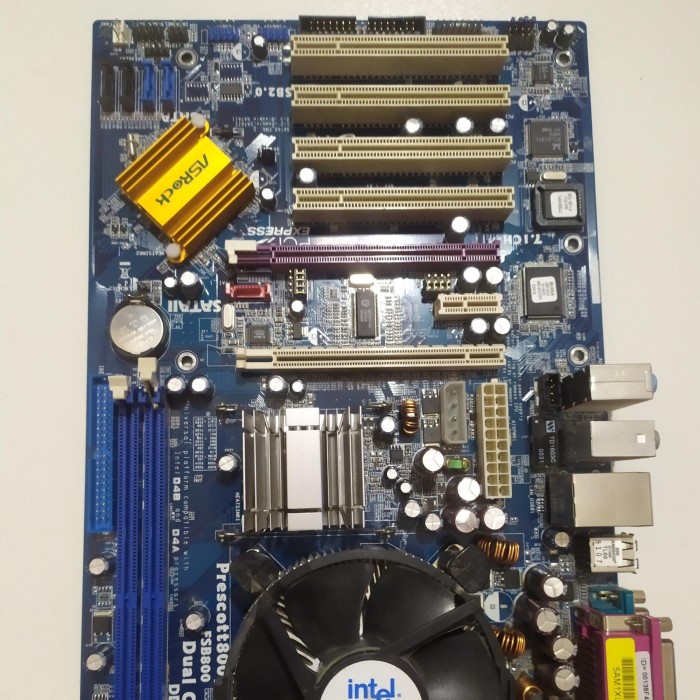
M.2 and SATA Connections
- Understanding M.2 Slots: M.2 interfaces are becoming increasingly essential for modern storage solutions, particularly for NVMe (Non-Volatile Memory Express) SSDs, which offer significant speed advantages compared to traditional hard drives. When picking a motherboard, check the number of M.2 slots it includes to maximize your storage configuration options.
- Benefits of M.2 Technology: Utilizing M.2 slots allows you to achieve faster boot times and load speeds for applications, enhancing overall system performance. As software applications grow in complexity, having rapid access to data through M.2 SSDs can dramatically improve your user experience.
- SATA Connections Availability: In addition to M.2 slots, ensure that the motherboard provides sufficient SATA connections for the inclusion of traditional hard drives or SATA SSDs. SATA drives may not offer the same speed as M.2 NVMe drives but are often available in larger capacities at lower costs, making them valuable for bulk storage.
- Storage Upgrade Flexibility: A motherboard with multiple M.2 and SATA connections gives you the flexibility to customize your storage setup. You can mix and match various types of storage solutions, allowing for a combination of fast SSDs for speed and larger HDDs for ample storage capacity.
- Avoiding Motherboard Replacements: Ensuring there are enough M.2 slots and SATA connections prevents the need for replacing your motherboard simply to accommodate more storage. As your data and application needs grow, you can upgrade your storage options seamlessly, ensuring your system remains capable and efficient.
Future Trends in Technology
- Support for Upcoming Technologies: Stay informed about the latest trends and future technologies that may impact motherboard choices. This includes things like PCIe 5.0, DDR5 RAM, and advanced security features. Choosing a motherboard that supports these technologies can ensure longevity and relevance in the coming years.
FAQs about Picking a Motherboard
How do you choose the right motherboard?
Start by determining the intended use of your PC, and then consider compatibility with your CPU, RAM, and other components. Don’t forget to evaluate the form factor and expansion capabilities for future upgrades.
How to determine which motherboard?
Assess your needs based on the features you require. Compare different motherboards focusing on compatibility with your desired CPU, expansion slots, and connectivity options.
How to choose a motherboard in 2025?
In 2025, prioritize features like DDR5 support, USB-C availability, and efficient thermal management. Staying updated on the latest technology developments will guide your choice.
Can any motherboard fit in any PC?
No, motherboards are designed for specific cases and have their unique sizes known as form factors (e.g., ATX, Micro ATX, Mini ITX). Ensure compatibility with your PC case before purchasing.
Conclusion: Making Informed Decisions When Picking a Motherboard
In conclusion, understanding how to pick a motherboard is crucial for creating a powerful and efficient PC build in 2025. By considering key features such as form factor, CPU compatibility, memory support, and connectivity options, you can select a motherboard tailored to your needs. Future-proofing your setup is about making informed decisions and investing in quality components that will serve you well for years to come.
Taking the time to evaluate your options will provide significant benefits, ensuring your machine can handle emerging technologies and demanding applications. Embrace the journey of building or upgrading your PC and enjoy the enhanced performance that comes with choosing the right motherboard!