
Understanding the Need for A3 Printing
The standard paper size for most offices is A4. However, many creative and business environments require larger formats. This is where A3 printing becomes essential. Whether you are an architect printing blueprints or a marketing manager creating posters, size matters. The best a3 printer can handle these tasks with ease. It bridges the gap between standard documents and professional graphics. Many users assume A3 printers are massive, industrial machines. While this was true in the past, technology has changed. Today, you can find compact models that fit comfortably on a desk. Consequently, the barrier to entry for large format printing has lowered significantly. Home offices and small businesses now access this technology regularly. Understanding why you need A3 printing is the first step. It dictates the type of machine you should buy. You might need it for detailed spreadsheets. Alternatively, you might require it for high-quality photo prints.
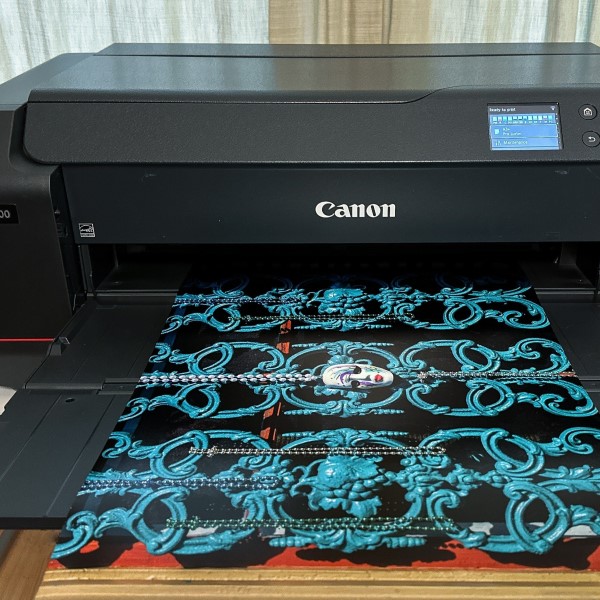
Furthermore, versatility is a key advantage. An A3 printer is not limited to A3 paper. It can also handle A4, A5, and envelopes. Therefore, it serves as an all-in-one solution. You do not need separate machines for different tasks. This saves space and reduces maintenance hassles. When searching for the best a3 printer, you must look beyond the paper size. You need to consider print resolution, speed, and connectivity. These factors determine the overall utility of the device. In this article, we will explore the critical aspects of A3 printing. We will help you navigate the crowded market. By the end, you will know exactly what to look for to meet your specific requirements. We aim to make your buying decision simple and informed.
Inkjet vs. Laser Technology for A3
Choosing the printing technology is the most important decision. You generally have two options: inkjet or laser. Both technologies have distinct advantages and disadvantages. Inkjet printers use liquid ink sprayed through microscopic nozzles. They are traditionally better for photo printing. They produce smooth gradients and vibrant colors. Consequently, graphic designers and photographers often prefer them. Modern inkjet technology has advanced significantly. It offers sharp text that rivals laser quality. However, ink can smudge if it gets wet. Furthermore, inkjet printers generally have slower print speeds for text documents. They are ideal for lower volume printing where quality is paramount. If you need to print detailed brochures, inkjet is likely the best a3 printer choice for you.
On the other hand, laser printers use toner powder. They fuse the toner to the paper using heat. This results in crisp, smudge-resistant text. Laser printers excel in office environments. They print documents at incredibly high speeds. If your business prints hundreds of pages a day, a laser printer is more efficient. The running costs are often lower for monochrome laser printing. However, color laser printers are more expensive. They are also typically heavier and bulkier. This might be a concern if space is tight. Additionally, laser printers sometimes struggle with photo quality. The colors can look flat compared to inkjet. Therefore, you must assess your primary printing needs. Do you prioritize speed and text quality? Or do you need high-fidelity color reproduction? Your answer will guide you toward the right technology.
Essential Features to Evaluate
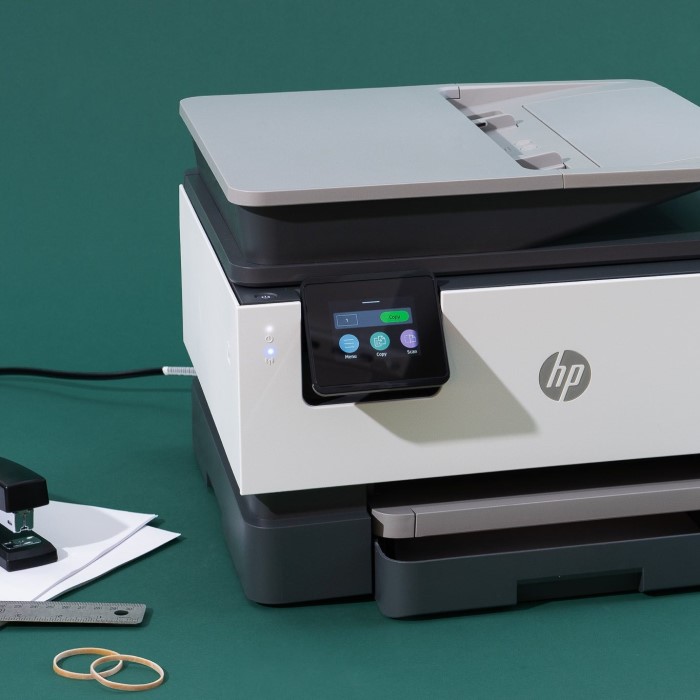
Modern printers come packed with features. It is easy to get overwhelmed by the specifications. However, focusing on a few key areas will help you find the best a3 printer. First, consider print resolution. This is measured in dots per inch (dpi). A higher dpi results in sharper images and clearer text. For standard office documents, 600 x 600 dpi is sufficient. But for photos or detailed graphics, look for 4800 x 1200 dpi or higher. The difference in clarity is noticeable. Second, look at connectivity options. In 2026, wireless printing is a necessity. The printer should support Wi-Fi and Wi-Fi Direct. This allows you to print from laptops, tablets, and smartphones without a network cable. Mobile apps are also crucial. They allow you to scan documents directly to your phone.
Additionally, paper handling capacity is vital. An A3 printer often handles larger media types. You need to ensure the input tray can hold a decent amount of paper. Constantly refilling the paper tray is frustrating and inefficient. Look for a printer with a capacity of at least 250 sheets. Some models offer a second paper tray. This allows you to keep A3 and A4 paper loaded simultaneously. It saves time and streamlines workflow. Duplex printing is another feature to check. This allows the printer to print on both sides of the paper automatically. It saves paper and creates professional-looking booklets. Finally, consider the scanner capabilities. If you need to scan large artwork or documents, the scanner bed must accommodate A3 size. Some A3 printers only have A4 scanners. This is a common pitfall buyers miss. Always verify the scanner glass dimensions if scanning is a priority.
The Importance of Running Costs and Yield
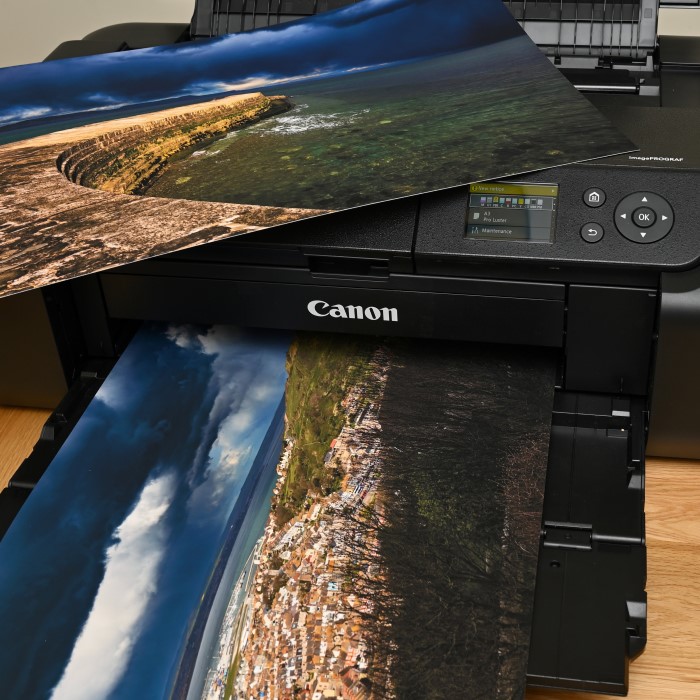
The purchase price of a printer is only the beginning. The real cost of ownership lies in the consumables. Ink and toner cartridges can be expensive. Therefore, calculating the cost per page is essential. This calculation helps you understand the long-term financial impact. Manufacturers often list the “page yield” on cartridge boxes. This number tells you how many pages you can print before replacing the cartridge. High-yield cartridges are often more economical. They cost more upfront but offer a lower cost per page. When searching for the best a3 printer, look for models compatible with high-yield or extra-high-yield cartridges. This is especially important for businesses with heavy printing demands. Over three to five years, the cost of ink can exceed the printer’s purchase price several times over.
Moreover, some manufacturers offer subscription services for ink. These services monitor your ink levels. They automatically ship new cartridges when you are running low. This prevents downtime. However, you should read the terms carefully. Sometimes, buying cartridges individually is cheaper. Third-party or compatible cartridges are another option. These are non-branded cartridges that fit specific printer models. They are usually much cheaper than original equipment manufacturer (OEM) cartridges. However, be aware that using them might void your warranty. Some printers use technology to block third-party cartridges. It is wise to research the availability of affordable consumables before buying a specific model. A cheap printer with expensive ink is rarely a good deal. Consequently, focus on value rather than just the initial price tag.
Connectivity and Workflow Integration
In a modern office, devices must communicate seamlessly. A printer that exists in isolation is a bottleneck. Therefore, integration is key when selecting the best a3 printer. Most modern printers support standard protocols. However, advanced workflow features can boost productivity significantly. For example, Near Field Communication (NFC) allows users to print by tapping their phone on the printer. This is convenient for quick, secure printing. Cloud printing is another essential feature. Services like Google Cloud Print (or its successors) allow you to print from anywhere. You could be in a coffee shop and send a document to your office printer. This flexibility is invaluable in the hybrid work era of 2026.
Furthermore, consider the printer’s ability to scan to destinations. A robust A3 multifunction printer should scan to email, folders, and cloud storage. Imagine scanning a contract directly to a Dropbox folder. It saves time and reduces paper clutter. The user interface on the printer itself matters too. A responsive touchscreen makes it easy to navigate menus. It simplifies tasks like resizing copies or adjusting color settings. If the interface is clunky, users will avoid using advanced features. Network security is also a growing concern. Printers are often entry points for hackers. Ensure the printer supports secure protocols like IPsec and SSL/TLS. It should also have features like user authentication. This ensures only authorized personnel can access the device. A well-connected printer becomes a hub for productivity. It streamlines your digital workflow rather than slowing it down.
Top Use Cases for A3 Printers
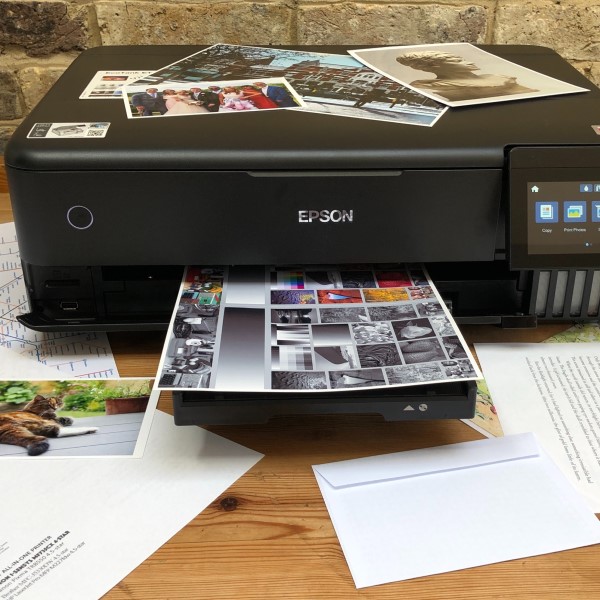
Understanding who uses A3 printers helps clarify your needs. Different professions demand different features. For instance, architects and engineers rely on technical drawings. They need printers that handle CAD applications. Precision is critical here. They need line accuracy and the ability to handle thick paper. The best a3 printer for them is likely a large-format inkjet or a specialized technical laser printer. Speed might be secondary to precision and media handling. They might also need large format scanning capabilities to digitize old blueprints. In contrast, marketing agencies focus on color accuracy. They print flyers, posters, and mock-ups. They need inkjet printers with a wide color gamut. The ability to print on glossy or matte cardstock is essential.
Similarly, educational institutions have different requirements. Schools and universities need durable printers. They print exam papers, worksheets, and newsletters. High volume and low cost per page are the priorities here. A robust color laser printer fits this environment well. It can handle the demands of multiple users. Home offices represent another use case. Here, the footprint is the main concern. A graphic designer working from home needs a compact A3 printer. It must not take up half the room. Photo enthusiasts also fall into this category. They want gallery-quality prints at home. They need printers with multiple ink cartridges. Usually, these include photo black, light cyan, and light magenta. These extra colors improve the gradation in skin tones and skies. Identifying your specific use case narrows the field. It prevents you from paying for features you will never use.
Maintenance and Reliability Factors
A printer that breaks down constantly is a liability. It disrupts workflow and causes frustration. Therefore, reliability is a non-negotiable trait for the best a3 printer. Reading user reviews is a great way to gauge reliability. Look for comments about paper jams and error codes. Some printers have complex paper paths. These are more prone to jamming, especially with thicker A3 media. A simple, straight paper path is often more reliable. Additionally, consider the build quality. A printer made of cheap plastic may not withstand daily abuse. Metal frames and robust hinges suggest a longer lifespan. While these models might cost more, the investment pays off. Downtime costs money, especially in a business setting.
Furthermore, consider the maintenance routine. Inkjet printers require nozzle cleaning. This uses ink and can be wasteful. If you do not print often, the nozzles can clog. This is a common issue for home users. Laser printers are less prone to drying out. They are better suited for sporadic printing. However, they require changing the waste toner container. They also need occasional replacement of the fuser unit. Check the manufacturer’s warranty and support options. A standard one-year warranty is common. Some brands offer extended warranties or on-site service. This is valuable for businesses that cannot afford downtime. Some printers even have predictive maintenance features. They alert you before a part fails. This proactive approach keeps your printer running smoothly. A reliable printer reduces the total cost of ownership. It minimizes the hidden costs of repairs and lost productivity.
Frequently Asked Questions About A3 Printers
Consumers often have specific questions when investing in new technology. Here are answers to some of the most common queries regarding A3 printers.
Are A3 printers worth the cost?
Yes, they are worth the cost if you regularly print large documents. They save money on outsourcing print jobs. If you print marketing materials or technical drawings in-house, the investment pays off quickly. However, if you only need A3 once a year, a print shop is cheaper. For regular users, the convenience and control justify the price.
What printers print A3 paper?
Many types of printers handle A3 paper. You can find inkjet and laser models. Major brands like HP, Canon, Epson, and Brother produce them. They range from compact home units to large office multifunction machines. Always check the specifications sheet. Ensure the input tray physically supports A3 dimensions.
Are there any A3 printers?
Yes, there are many A3 printers available on the market. In fact, the selection is broader than ever. You can choose between dedicated A3 printers and A3-ready multifunction devices. Some are designed specifically for photos. Others are built for high-volume office documents. The market offers a solution for every budget and need.
Conclusion: Making the Right Purchase Decision
Selecting the right equipment requires careful thought. You must balance budget, features, and performance. The best a3 printer for a graphic designer is not the same as the best one for a law firm. You need to analyze your specific workflow. Consider the volume of printing you do. Think about the importance of color accuracy. Evaluate the running costs over the device’s lifetime. Do not be swayed solely by the purchase price. A cheap printer with expensive consumables costs more in the long run. Furthermore, consider the physical space you have. Measure the area where the printer will sit. Remember to account for paper tray extensions. A3 trays often extend beyond the body of the printer.
Ultimately, technology is evolving rapidly. Printers in 2026 are smarter and more connected than ever before. They integrate seamlessly with cloud services and mobile devices. This connectivity transforms the printer from a simple output device into a workflow hub. By understanding the features outlined in this guide, you can make a confident decision. You will choose a machine that meets your needs today and in the future. Investing in the best a3 printer enhances your professional capabilities. It allows you to produce high-quality materials in-house. This saves time and projects a professional image. Take your time, do your research, and choose wisely. Your perfect printing solution is out there waiting for you.