
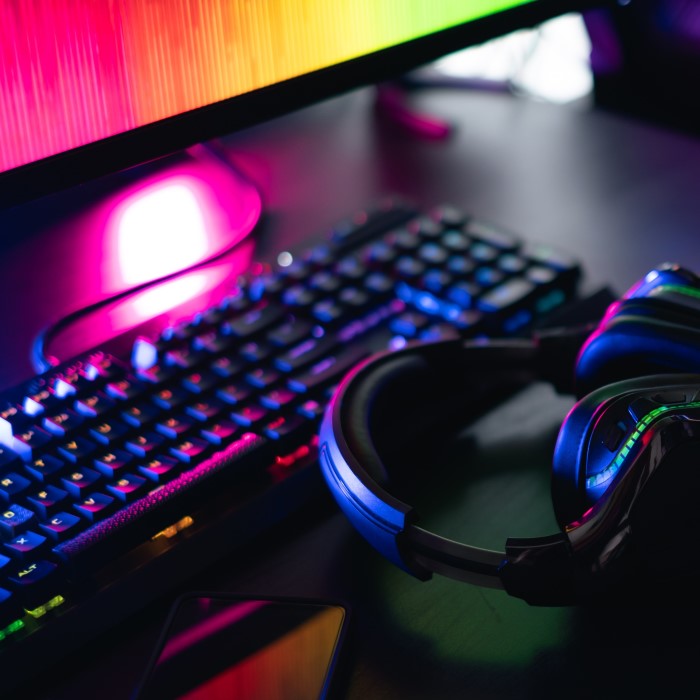
Introduction to PC Gaming Peripherals
As the gaming landscape continues to evolve, the importance of having the right gear cannot be overstated. PC gaming peripherals play a crucial role in enhancing gameplay, comfort, and overall performance. Whether you are a casual gamer or a competitive esports player, investing in quality peripherals can make a notable difference in your gaming experience. In 2025, several cutting-edge gaming accessories promise to elevate your setup and give you the edge you need.
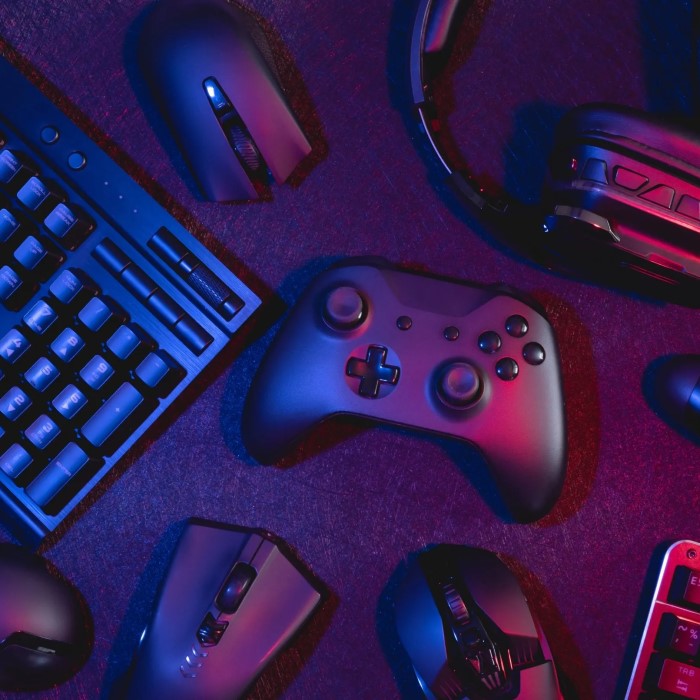
This article delves into the essential PC gaming peripherals for 2025, outlining the features, benefits, and what to consider when upgrading your gaming setup. From keyboards and mice to headsets and desks, each accessory contributes uniquely to your overall gaming environment. Let’s explore these vital components and how they can redefine the way you play.
1. Gaming Keyboards
Importance of Quality Keyboards
A high-quality gaming keyboard is fundamental for any PC gaming setup. The right keyboard enhances responsiveness and offers a solid, comfortable experience.
- Mechanical vs. Membrane: Mechanical keyboards tend to be preferred by gamers due to their tactile feedback and durability, making them ideal for gaming sessions.
- Customization: Many gaming keyboards come with customizable RGB lighting and programmable keys. This can enhance the aesthetic of your setup while offering functional benefits.
Recommended Gaming Keyboards
- Logitech G Pro X: This mechanical keyboard features swappable switches and customizable RGB lighting.
- Razer Huntsman Elite: Known for its responsive keys and durability, this keyboard is equipped with features to satisfy any gamer.
2. Gaming Mice
Enhancing Precision and Control
A gaming mouse is another critical peripheral that directly affects your performance during gameplay. The right mouse allows for precision and quicker reaction times.
- DPI Settings: High DPI (dots per inch) is essential for fast-paced games. Selecting a mouse with adjustable DPI settings allows for sensitivity adjustments based on game requirements.
- Ergonomics: Comfort is critical, especially during long gaming sessions. Mice designed for ergonomic use reduce strain on your wrist and hand.
Top Gaming Mice to Consider
- Logitech G502 HERO: This mouse features adjustable weight, customizable buttons, and RGB lighting. It is an excellent option for various gaming styles.
- Razer Viper Ultimate: A wireless option that is lightweight and features an impressive battery life, offering exceptional performance for competitive gamers.
3. Gaming Monitors
Visual Clarity and Refresh Rates
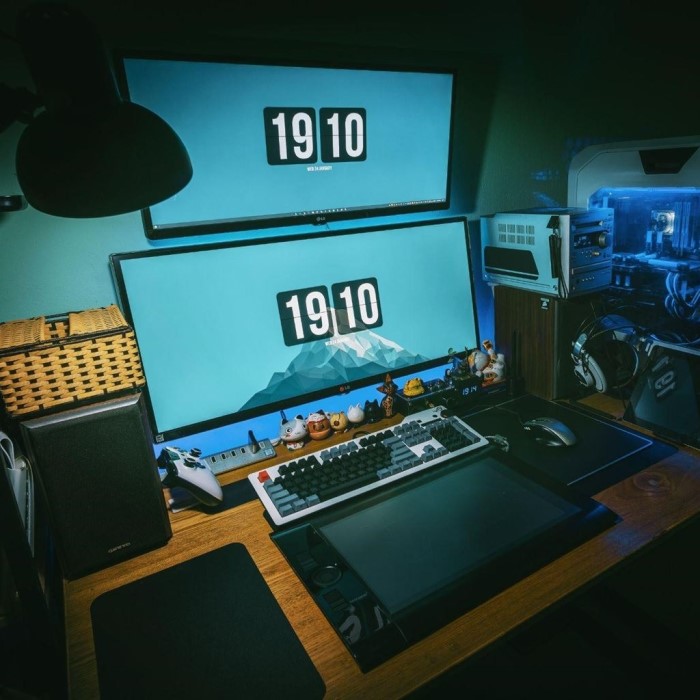
A high-quality gaming monitor can greatly enhance your gaming experience. The right monitor can provide vibrant visuals and smooth gameplay.
- Refresh Rate: Look for monitors with a minimum refresh rate of 144Hz. This results in smoother motion and enhances fast-paced gaming.
- Response Time: A lower response time (measured in milliseconds) ensures that the monitor transfers graphics to the screen quickly, reducing motion blur.
Recommended Gaming Monitors
- ASUS ROG Swift PG259QN: This monitor offers a 360Hz refresh rate, making it ideal for competitive gaming.
- Acer Predator XB273U: Known for its high resolution and vibrant display, this monitor offers a fantastic visual experience for immersive gameplay.
4. Gaming Headsets
Importance of Sound Quality
A gaming headset is essential for immersive audio experiences and effective communication with your team during multiplayer games.
Sound Quality:
Importance of High-Quality Audio: High-quality audio is essential for an immersive gaming experience. Clear and precise sound allows players to fully engage with the game environment and enhances their overall enjoyment.
Enhanced Gameplay Experience: With superior audio, in-game sounds such as footsteps, ambient noises, and directional cues become more pronounced, allowing players to react swiftly to their surroundings. This heightened awareness can significantly improve gameplay performance and strategic decision-making.
Environmental Awareness: A rich audio experience helps players identify critical sound cues, such as enemies approaching or important items nearby. This can provide a distinct strategic advantage, especially in competitive gameplay, where every detail matters.
Microphone Features:
Built-in Microphone Benefits: A built-in microphone is a vital feature for gamers who prioritize communication during multiplayer sessions. It facilitates clear dialogue with teammates and enhances coordination while playing, which is crucial in team-oriented games.
Noise-Canceling Technology: When selecting a headset or microphone, look for models that include noise-canceling technology. This feature effectively filters out background noise, ensuring that your voice comes through clearly, even in noisy environments.
Voice Clarity: A quality microphone not only captures your voice accurately but also enhances the clarity of communication. This is particularly important during intense gaming moments when timely and precise information sharing can lead to better team outcomes.
Adjustable Microphone Options: Consider headsets that offer adjustable microphones, which allow for optimal positioning and comfort during prolonged gaming sessions. This can help reduce strain and ensure that the microphone remains effective at capturing your voice without interference.
Top-Notch Gaming Headsets
- HyperX Cloud II: This headset is known for its comfort and excellent sound quality, making it a top choice for gamers.
- SteelSeries Arctis 7: A wireless headset that provides excellent sound quality and long battery life, designed for prolonged use.
5. Mouse Pads
Enhancing Accuracy
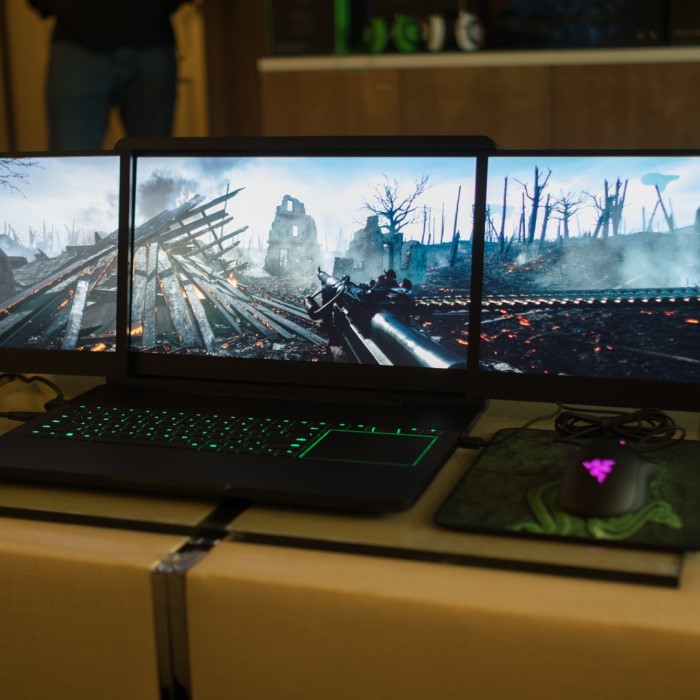
An often-overlooked accessory is the gaming mouse pad. A quality mouse pad can enhance mouse accuracy and provide a smoother glide.
- Size Matters: Larger mouse pads offer plenty of room for mouse movement, which is essential for first-person shooter games.
- Material Choices: Look for mouse pads with a micro-textured surface for enhanced control and speed.
Recommendations for Gaming Mouse Pads
- SteelSeries QcK: A popular choice known for its premium cloth material that allows for precise control.
- Razer Firefly V2: This RGB mouse pad offers customizable lighting and a hard surface for fast-paced gaming.
6. Custom Game Controller
Comfort and Compatibility
Although the Nintendo Switch comes with standard Joy-Con controllers, customizing your setup with better options can enhance gameplay experience dramatically.
- Personalization: Many controllers can be customized in terms of color, grip, and button layout.
- Compatibility: Ensure the controller you choose is compatible with the Switch. Look for controllers that offer seamless connectivity.
Ideal Custom Controllers
- Xbox Elite Series 2 Controller: A customizable controller that is ergonomic and features adjustable tension thumbsticks.
- Razer Wolverine Ultimate: Designed for precision and comfort, this controller features customizable buttons and a flexible design.
7. Cooling Solutions
Maintaining Performance
Proper cooling solutions can prevent overheating of your gaming system, ensuring optimal performance during extended play.
- Cooling Pads: Using a cooling pad for your gaming laptop can help dissipate heat and maintain performance levels.
- Fans for PC: Ensure your gaming PC has adequate airflow with additional fans as needed.
Recommended Cooling Solutions
- Cooler Master MasterLiquid: This liquid cooler is efficient in keeping your CPU temperature in check.
- Thermaltake RGB Cooling Fans: These fans provide eye-catching RGB effects while ensuring your system stays cool.
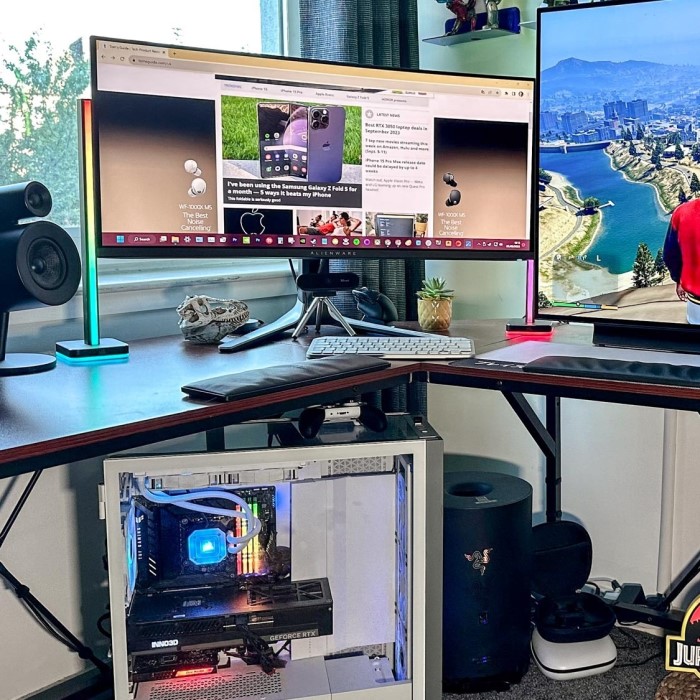
8. Game Storage Solutions
Organization and Accessibility
With a growing library of games, having proper storage solutions is critical.
- External Hard Drives: An external hard drive provides a quick way to expand storage, ensuring you can keep all your games organized.
- Game Storage Cases: Consider storage cases designed to neatly hold and protect your game discs and cartridges.
Recommended Storage Options
- Seagate Game Drive for Xbox: Specially designed for consoles, providing ample storage and quick access.
- Hori Game Card Case: This case offers secure and protective storage for your Nintendo Switch cartridges.
9. Cable Management Solutions
Keeping it Neat
Managing cables is essential for both aesthetics and functionality. Well-organized cables prevent tangling and potential damage.
- Cable Ties: Simple cable ties or Velcro can neatly bundle cords and prevent clutter.
- Cable Trays: Adding trays under your desk can keep unsightly cables out of sight, promoting a cleaner work area.
Recommended Cable Management Products
- Joto Cable Sleeve: A flexible solution that keeps multiple cables bundled together.
- Cable Clips: These clips attach to your desk, providing an easy way to route cables while keeping them accessible.
10. Virtual Reality Headset
Immersive Gameplay
As technology advances, incorporating a virtual reality headset into your setup can provide a completely new gaming experience.
- Immersive Gameplay: VR headsets allow you to step into the game, experiencing it from a first-person perspective.
- Compatibility: Some VR headsets are designed specifically for the Nintendo Switch, providing a unique gaming experience.
Top VR Headsets to Consider
- Oculus Quest 2: A standalone VR headset with an extensive library of games and applications.
- HTC Vive Cosmos: Known for its high-quality visual experience and extensive game compatibility.
Frequently Asked Questions (FAQs)
What are peripherals in gaming?
Peripherals in gaming refer to external devices that enhance or complement the gaming experience. They include anything from keyboards and mice to headsets and controllers.
What peripherals do you need for a PC?
Essential peripherals for a PC include a keyboard, mouse, monitor, headset, and gaming controller. Additional peripherals might include a webcam, microphone, or game capture device.
What are the must-haves for a gaming PC?
Must-haves for a gaming PC include a powerful graphics card, high-capacity RAM, an efficient cooling system, and fast storage solutions like SSDs. Additionally, quality peripherals enhance the gaming experience.
Conclusion: Elevate Your Gaming with Essential Accessories
In conclusion, investing in PC gaming peripherals is crucial for enhancing your gaming setup in 2025. From quality keyboards and mice to innovative headphones, each accessory plays a unique role in enriching your gaming experience. By reviewing the must-have peripherals listed in this article, you can create a personalized setup that meets your gaming needs.
As you explore your options, consider how your accessories will complement your preferred gaming style. Investing time and effort into curating your setup not only enhances gameplay but also allows for self-expression within the gaming community. Prepare to level up your gear and truly immerse yourself in the gaming world! Happy gaming!
 Charlotte