
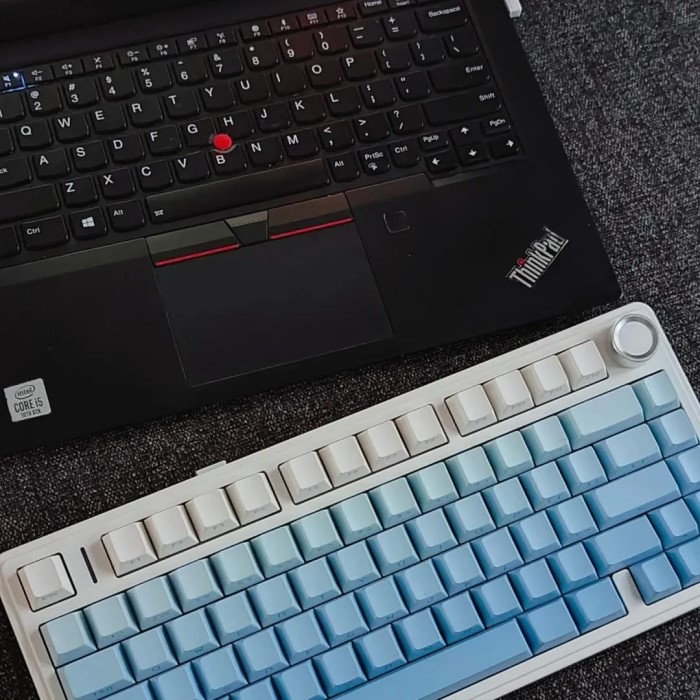
Introduction: The Keyboard Key Count Debate
When you sit down to type on a keyboard, have you ever wondered how many keys are on a keyboard? This simple question opens a myriad of discussions regarding different keyboard layouts, configurations, and key counts. Understanding the number of keys on your keyboard is essential, as it directly impacts how you interact with your computing device.
In this article, we will break down the various keyboard layouts, examining the differences in key counts and features. We will answer common questions related to keyboard configurations, including how many keys are in a 100% keyboard, how many keys are in a Dell keyboard, and how many keys are on a 60% keyboard. Through this exploration, you will gain a clearer understanding of the keyboards you use daily, helping to enhance your typing experience.

Overview of Keyboard Layouts
Different Keyboard Types and Layouts
How many keys are on a keyboard? Most keyboards can be categorized into a few types, each serving different functions. Understanding these types will help clarify the various key counts associated with each layout.
- Full-Size Keyboards: Also known as 100% keyboards, these models typically contain 104 to 108 keys, depending on the regional layout. Full-size keyboards include all essential keys such as function keys, number pads, and special keys.
- Tenkeyless Keyboards: Also referred to as TKL keyboards, these exclude the number pad, reducing the total key count to around 87 to 90 keys. This configuration is popular among gamers and those who prioritize desk space without sacrificing functionality.
- Compact Keyboards: These keyboards minimize space further by eliminating function keys or altering the layout. Compact keyboards often have around 60 to 80 keys and are ideal for on-the-go use or smaller desk setups.
- Ergonomic Keyboards: Designed to improve user comfort, ergonomic keyboards come in various layouts. They can range from standard key counts to more unique designs tailored for longer typing sessions.
- Specialty Keyboards: Some keyboards are customized for specific purposes. For example, gaming or coding keyboards may have additional macro keys or specific arrangements. Their key counts vary widely based on design.
Popular Keyboard Layouts
Keyboard layouts vary by country and usage. The most commonly used layouts include:
- QWERTY: The most recognized layout globally, typically used in English-speaking countries. Most keyboard variations, regardless of configuration, adopt this layout.
- AZERTY: Predominantly used in French-speaking countries, the AZERTY layout alters the positioning of several letters found in QWERTY.
- DVORAK: This alternative layout is designed for efficiency and speed but is less commonly used than QWERTY layouts.
By understanding these keyboard layouts and their configurations, users can better appreciate the choices available and choose the right keyboard for their needs.
How Many Keys Are in a Full-Size Keyboard?
Defining the Full-Size Keyboard
When discussing how many keys are in a 100% keyboard, full-size keyboards are the focus. These keyboards typically come equipped with all the keys needed for effective typing and are designed for comfort and productivity.
- Key Count: A standard full-size keyboard usually contains 104 keys in the US layout. This configuration includes:
- Alphanumeric Section: The standard QWERTY layout for letters and numbers.
- Function Keys: The row of keys (F1 to F12) located at the top.
- Navigation Keys: Arrow keys and other important navigation buttons.
- Numeric Keypad: A complete set of number keys, usually positioned on the right side.
- Functional Keys: In addition to the typical letter and number keys, full-size keyboards often include functional keys that facilitate faster access to specific features such as volume control, screen brightness, and media playback.
- User Preference: Many users prefer full-size keyboards because they provide the complete functionality needed for various tasks.
Applications and Workflows
Full-size keyboards are particularly adept for users who require extensive typing. Office workers, writers, and gamers often find these keyboards ideal due to their comprehensive layout and ease of use.
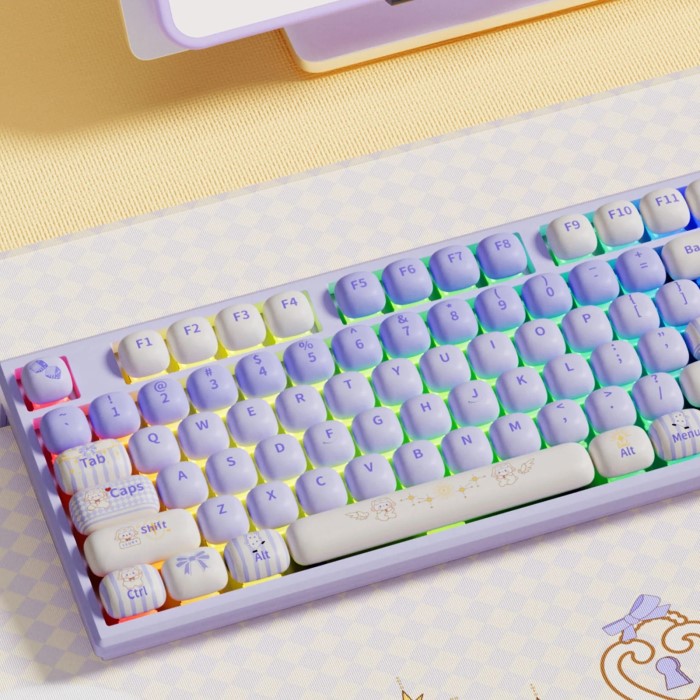
How Many Keys Are in a Dell Keyboard?
Overview of Dell Keyboards
When considering how many keys are in popular keyboard brands, Dell keyboards frequently appear in discussions. Dell manufactures a wide range of keyboards that can fit various needs and styles.
- Key Count Variation: The number of keys on Dell keyboards can vary depending on the specific model. Most standard Dell keyboards, such as those designed for office use, typically feature 104 keys, similar to other full-size keyboards.
- Specialty Models: Dell also produces specialty keyboards that may have additional features such as programmable keys or multimedia controls, which may slightly alter the key count.
- Wireless Options: Dell’s selection includes wireless keyboards. These models still retain a standard key count but eliminate the need for connecting via cables, providing flexibility and convenience.
User Feedback
Dell keyboards are widely used among both home and office users, thanks to their reliability and ergonomic designs. Feedback often validates their durability and responsive key actions, making them an excellent choice for typing-intensive tasks.
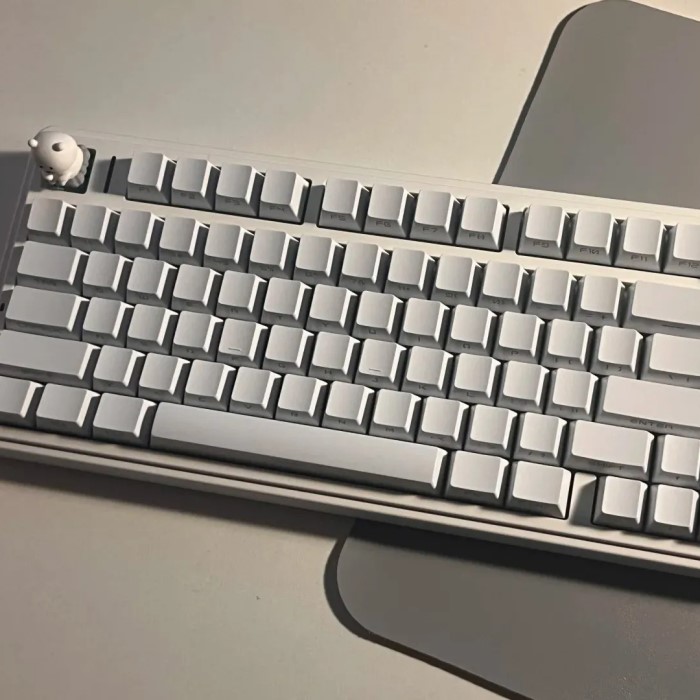
How Many Keys Are on a 60% Keyboard?
When discussing compact models, the 60% keyboard has gained significant popularity in recent years, especially among gamers and minimalists.
- Key Count:
- A standard 60% keyboard typically consists of approximately 61 keys.
- This compact configuration retains all essential alphanumeric keys, ensuring that users can type effectively and efficiently.
- However, it omits certain keys, including the function keys (F1-F12) and the numeric keypad, which contributes to a more minimalist design.
- By removing these less frequently used keys, 60% keyboards help save valuable desk space, making them ideal for cluttered workspaces.
- Design Efficiency:
- The design of a 60% keyboard emphasizes efficiency by eliminating unnecessary keys, allowing for a neater and more organized look.
- Users benefit from a streamlined typing experience, as the layout is simpler, reducing distractions during work or gaming sessions.
- Despite the reduction in key count, these keyboards often incorporate layered functionalities, which can be accessed using modifier keys such as Shift, Fn (function), or Ctrl.
- This layering allows users to execute commands and access features without the need for additional keys, providing a versatile typing experience.
- Portability:
- The compact and lightweight design of 60% keyboards makes them particularly suitable for users who travel frequently or work in different environments.
- Their small profile allows them to fit easily into bags, backpacks, or laptop sleeves, making it convenient for on-the-go use.
- Additionally, their slim design means they can be stored in tight spaces, such as between books on a shelf or in crowded drawers.
- Overall, the portability of 60% keyboards appeals to tech enthusiasts, students, and professionals who prioritize space-saving solutions without sacrificing functionality.
Enhancements in Functionality
Despite their small size, many 60% keyboards feature programmable keys and customizable backlighting. These added features enable users to create a personalized typing experience appealing to both gamers and everyday users.
Troubleshooting Horizontal Lines on Phone Screens
Technical Issues
Understanding the causes of horizontal lines on phone screens might include insights into how peripherals like keyboards play their role in computing needs. Sometimes, users may experience display issues similar to key count misunderstandings stemming from hardware problems.
- Screen Damage: Physical damage can also impact how users interact with their devices, which could include using keyboards.
- User Interaction: For instance, if a user is consistently typing while also experiencing screen distortions, the overall user experience can be affected.
Enhancing the User Experience
Making sure that peripherals—like keyboards—are in optimal condition can help enhance the overall experience and performance of computer setups. Ensuring hardware compatibility and seamless interaction is integral, encapsulating a broader understanding of how different tech components function together.
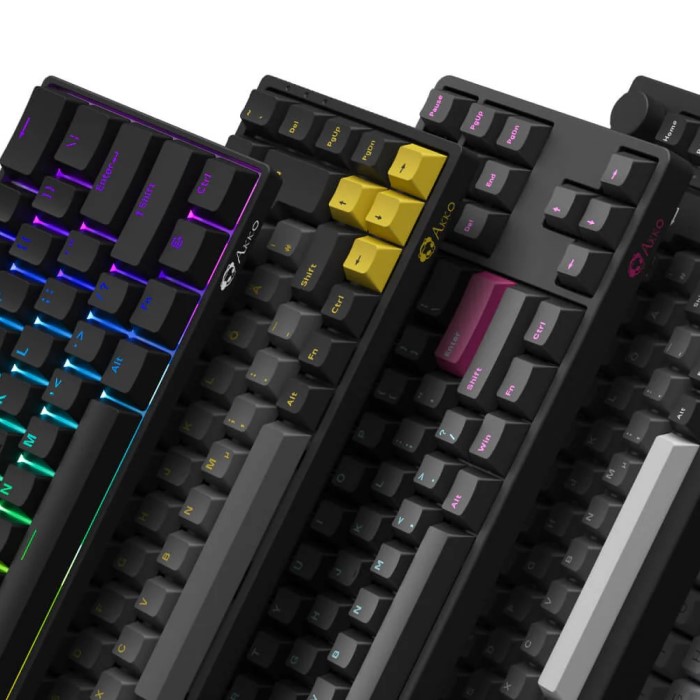
Frequently Asked Questions
How many keys are in a 100% keyboard?
A standard 100% keyboard contains typically 104 keys, including all essential functionalities and a numeric keypad.
How many keys are in a Dell keyboard?
Most standard Dell keyboards have 104 keys, similar to typical full-size layouts, while specialty models may vary slightly depending on design.
How many keys are on a 60% keyboard?
A standard 60% keyboard generally has around 61 keys, focusing on portability and essential typing functions without additional keys like the number pad and function keys.
This comprehensive guide should provide clarity on keyboard layouts and help users understand their preferences for typing experiences!
Conclusion: Key Insights and Takeaways
In conclusion, when asking how many keys are on a keyboard, it’s essential to explore various configurations. Full-size keyboards usually have around 104 keys, while Dell keyboards often mirror this count. For those seeking compact options, 60% keyboards comprise roughly 61 keys and are ideal for portability and efficiency.
Understanding these differences is crucial as it can lead to improved typing experiences tailored to individual preferences. By recognizing and exploring the fundamental aspects of keyboard layouts, users can make informed choices based on their personal or professional needs.