
Introduction
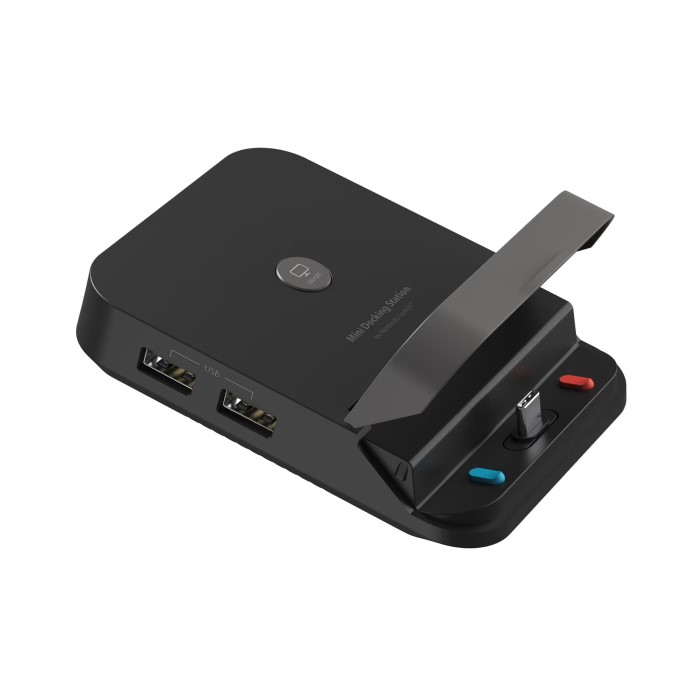
The Nintendo docking station is a crucial accessory for every Nintendo Switch owner. It serves as the bridge between your gaming console and a gaming experience that extends beyond just handheld play. By facilitating connections to televisions and providing a reliable charging solution, this docking station offers convenience and versatility that enhances overall gameplay. For gamers who adore playing in varied modes—handheld, tabletop, or docked—the Nintendo docking station is an essential tool for maximizing their enjoyment. In this article, we will explore the features of the Nintendo docking station, its myriad advantages, effective usage tips, and address frequently asked questions. Whether you are a new player or a dedicated Nintendo enthusiast, understanding its importance is key to elevating your gaming experience.
What is the Nintendo Docking Station?
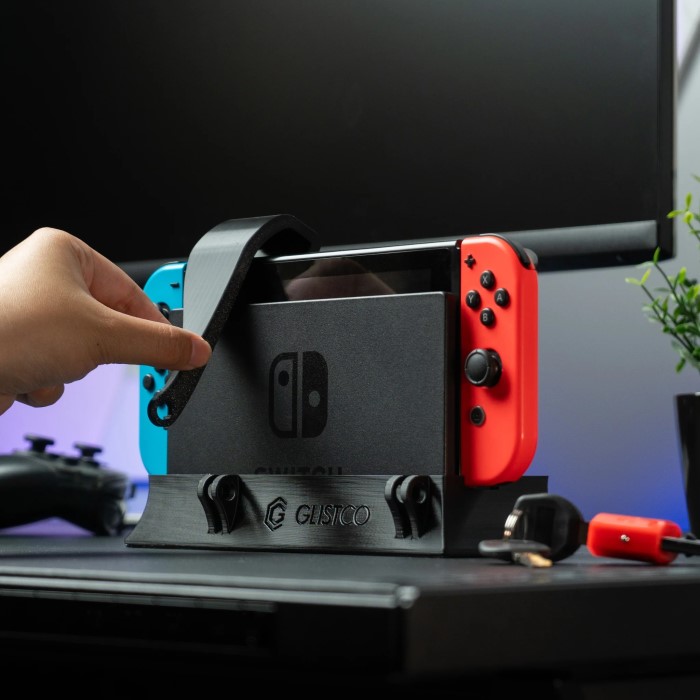
The Nintendo docking station is a device specifically designed for the Nintendo Switch. It is engineered to serve several critical functions that enhance gameplay.
1. Primary Function
- Charging Capability: One of the main functions of the docking station is to charge the Nintendo Switch while it is docked. This ensures that the console remains powered up ready for extended gaming sessions without falling short on battery.
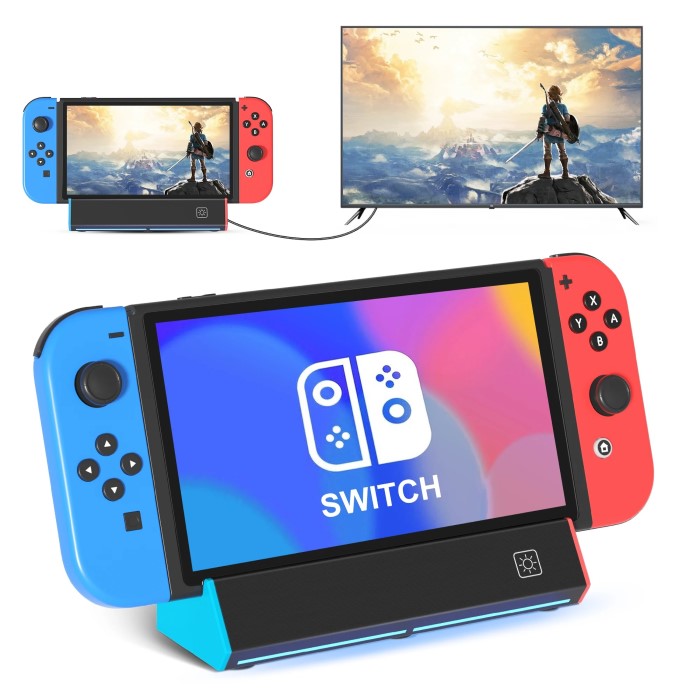
- TV Connectivity: The docking station allows players to easily connect their Nintendo Switch to a television. This feature not only enhances the gaming experience by providing larger visuals but also fosters a social gaming environment.
2. Design and Specifications
- Compact and Portable: The Nintendo docking station features a compact and sleek design, making it easy to integrate into any entertainment setup. Its portability makes it easy for gamers to pack it along when traveling.
- Ports and Connectors: This accessory includes necessary ports such as HDMI and USB connectors. The HDMI port connects to your TV, while the USB ports allow for charging Joy-Con controllers and connecting various accessories.
Advantages of Using
Utilizing a Nintendo docking station in your gaming setup offers several benefits, all contributing to a more enjoyable and interactive gaming experience.
1. Versatility of Gaming Modes
Multiple Ways to Play
- Three Primary Gaming Modes: The Nintendo Switch offers users three main ways to enjoy games—tabletop, handheld, and docked. Each mode caters to different gaming preferences and environments.
- Handheld Mode: In this mode, players can hold the console and play games directly on the built-in screen. This is perfect for those who want to game while commuting, traveling, or relaxing.
- Tabletop Mode: This mode allows players to set the console up on a flat surface using its built-in kickstand. This is ideal for multiplayer gaming sessions, as multiple players can gather around the table and play together without needing a TV.
- Docked Mode: When docked, the Nintendo Switch connects to a television, allowing for a much larger display. This is particularly beneficial for deeper, immersive gameplay where visuals and sounds can enhance the gaming experience.
- Enhanced Experience with Docked Mode: Docking your Switch provides distinct advantages, especially when playing on a larger screen.
- Visual Clarity: When connected to a TV, the Nintendo Switch can deliver high-definition graphics, offering a clearer and more vibrant picture compared to the handheld screen.
- Shared Gameplay: Playing in docked mode is ideal for social gaming, allowing friends and family to join in on the fun. The larger screen makes it easier for everyone to see what’s happening in the game, leading to more interactive sessions.
Flexible Transition
- Seamless Mode Switching: One of the Nintendo Switch’s standout features is the ability to effortlessly transition between different gaming modes.
- Convenient Gameplay: Players can quickly switch from handheld mode to docked mode without any complicated setup. This means that whether you are at home or on the go, you can enjoy your games in the way that suits your environment best.
- User-Friendly: The design of the Switch promotes ease of use. Simply position it in the dock to switch to TV mode, or pick it up to return to handheld mode, making it intuitive for all players.
- Gaming On-the-Go: The flexibility of the Nintendo Switch truly shines when players want to game while traveling or away from home.
- Instant Playability: If playing at a friend’s house or during a commute, players can easily undock the console and continue gaming right away without missing a beat.
- Adaptable Experiences: This capability means that gamers can adapt their play style based on their situation. Whether you want to relax at home or engage during a trip, the Nintendo Switch accommodates your needs seamlessly.
2. Enhanced Visual and Audio Quality
- HD Graphics: When docked, the Nintendo Switch produces graphics up to 1080p, providing sharper visuals compared to handheld mode. This improved resolution is especially noticeable in visually demanding games and enhances excitement.
- Improved Sound Experience: By connecting to a TV through the dock, sound can be delivered through external speakers, improving the overall auditory experience. It allows gamers to immerse themselves fully in their virtual worlds.
3. Convenient Charging While Playing
- Continuous Power Supply: The docking station allows the Nintendo Switch to charge while in active use. This ensures that players can game for long hours without worrying about running out of battery life.
- Ease of Setup: Placing the Switch in the dock provides an easy and organized way to keep the console charged, taking away the hassle of multiple cords and chargers.
How to Properly Use the Nintendo Docking Station
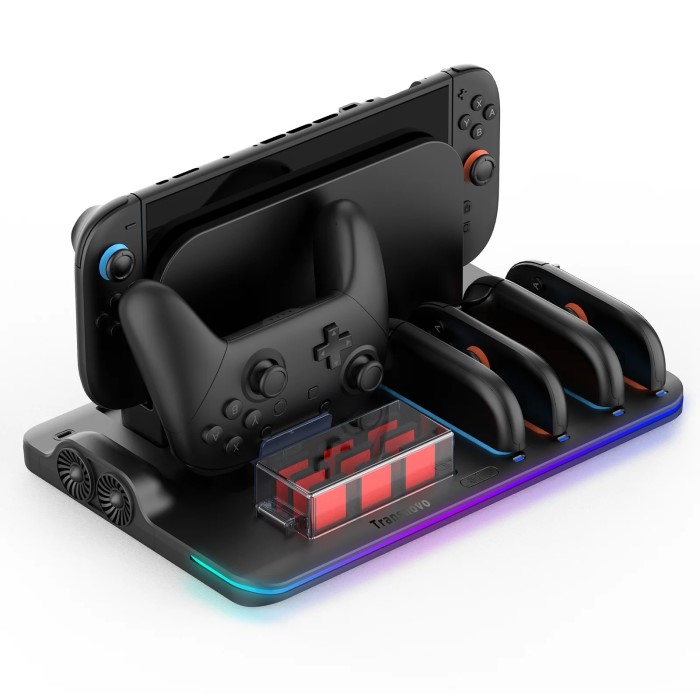
To maximize the benefits of the Nintendo docking station, using it correctly is essential. Here are some practical tips:
1. Setting Up the Dock
- Connect to Power: First, plug the AC adapter into the docking station and connect it to a power outlet. This step is crucial to ensure that the docking station can charge the console when docked.
- HDMI Connection to TV: Next, connect the HDMI cable from the docking station’s HDMI out port to the TV. Ensure the TV is set to the correct input source to view your gameplay.
2. Docking the Switch
- Align and Insert the Console: When docking the Nintendo Switch, align the console’s connector with the docking station’s port. Carefully push the console down into the dock until you hear it click into place. Ensure it is securely docked.
- Check Indicator Lights: Once docked, observe the charging indicator light on the Switch to confirm that it is charging properly. A steady orange light typically signifies charging.
3. Switching Between Modes
- Undock for Handheld Play: If you wish to play in handheld mode, simply lift the Nintendo Switch out of the dock. The console will automatically switch to handheld mode, allowing for immediate gameplay.
- Re-docking: When ready to return to TV gameplay, re-dock the console back into the station to resume playing on the screen.

Frequently Asked Questions (FAQ)
Does Nintendo Switch have a docking station?
Yes, the Nintendo Switch comes with a docking station included in the package. It is essential for connecting the Switch to a television and for convenient charging of the console.
Can you hook up a Nintendo Switch to a TV without a docking station?
Technically, you cannot connect the Nintendo Switch directly to a TV without the docking station. The dock is required for making the HDMI connection necessary for video output.
Can a Nintendo Switch use any dock?
No, a Nintendo Switch should only use docks designed specifically for it. Using third-party docks can lead to compatibility issues or even damage to the console. Stick to official Nintendo products for the best experience.
Is the Nintendo Switch dock necessary?
While you can use the Switch in handheld mode without the dock, the dock is necessary for playing on a TV and for convenient charging. If you often play on a big screen, the dock is essential.
Conclusion
In conclusion, the Nintendo docking station is an indispensable accessory that significantly enhances the gaming experience for Nintendo Switch users. Its ability to charge the console while facilitating TV connectivity makes it an invaluable tool for those who want to maximize their gameplay options. By offering various gaming modes, impressive graphics, and convenient charging, the docking station truly elevates the overall gaming experience. Whether you are gaming at home or on the go, mastering how to utilize this accessory effectively can enhance your enjoyment. Embrace the power of the Nintendo docking station and maximize your gaming adventures!
Final Thoughts
Investing time to learn about your gaming accessories, such as the Nintendo docking station, can greatly improve your time spent playing. Whether you are connecting with friends, enjoying a solo adventure, or exploring the vast worlds of Nintendo’s diverse catalog, having your setup optimized will allow for deeper immersion and more significant enjoyment. Consider incorporating the Nintendo docking station into your gaming routine to see an immediate enhancement in your gaming experience. Get ready to play like never before!