
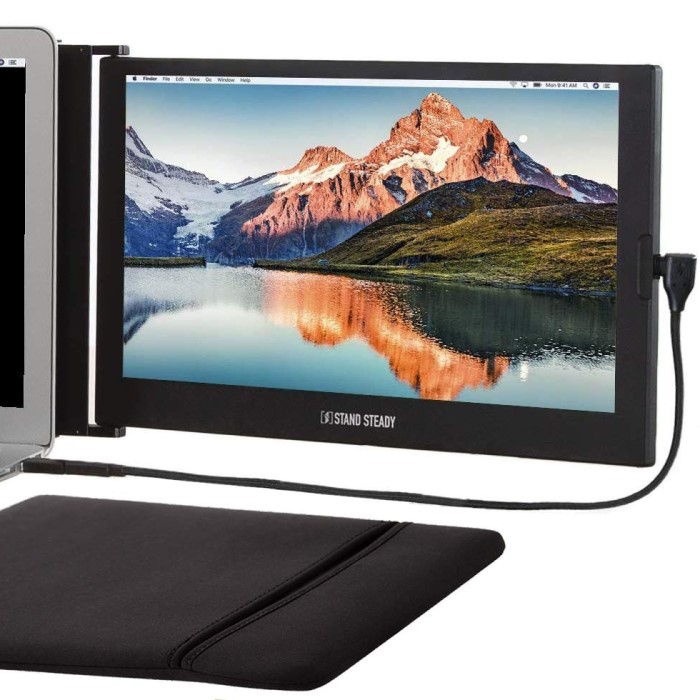
Introduction: Embracing Mobility in a Dynamic World
In an increasingly mobile world, remote work is no longer confined to a traditional office environment. Professionals and creatives alike are seeking ways to enhance productivity while traveling. A travel computer monitor is an invaluable tool that allows users to maintain a high level of efficiency, regardless of location. By providing larger screens, better resolution, and versatile functionalities, these monitors can transform any space into a productive workstation.
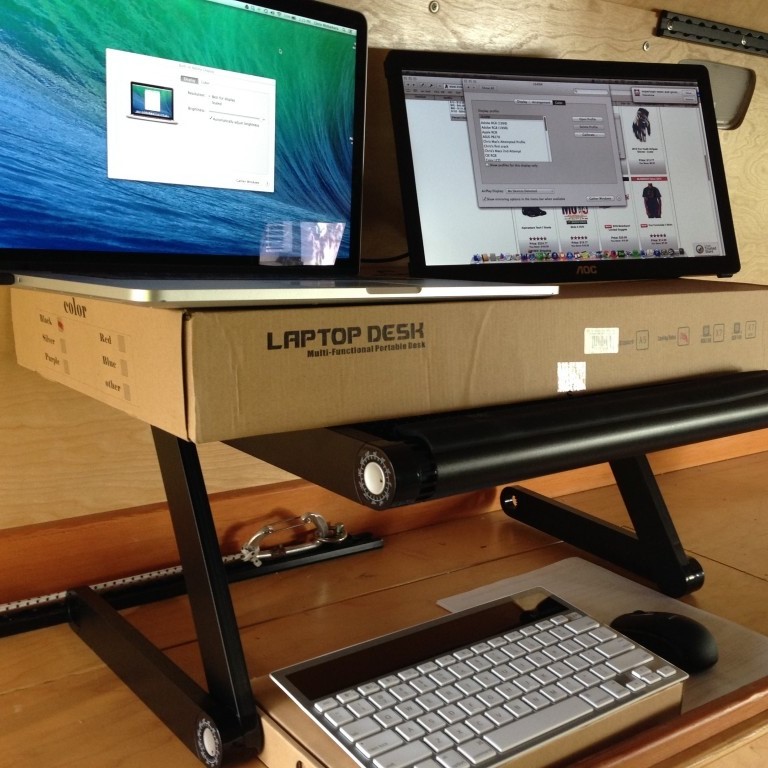
This article explores the exciting benefits of using a travel computer monitor, highlights key features to consider when choosing one, and offers practical tips for optimizing your productivity on the go. Whether you are a seasoned digital nomad, a business traveler, or someone who enjoys working from cafes and co-working spaces, understanding the advantages of a travel monitor can significantly enhance your work experience.
The Benefits of Using a Travel Computer Monitor
1. Enhanced Viewing Experience
- Increased Screen Real Estate: One of the most significant advantages of using a travel monitor is the larger display size. This allows for multiple windows to be open simultaneously, facilitating easier multitasking. Instead of squinting at a laptop screen, users can enjoy a more comfortable viewing experience.
- Superior Resolution and Clarity: High-definition travel monitors provide crisp visuals and enhanced clarity, which is especially important for design tasks, video conferencing, and media consumption. Monitors with resolutions of 1080p or higher ensure that images and text appear sharp and clear.
2. Portability and Convenience
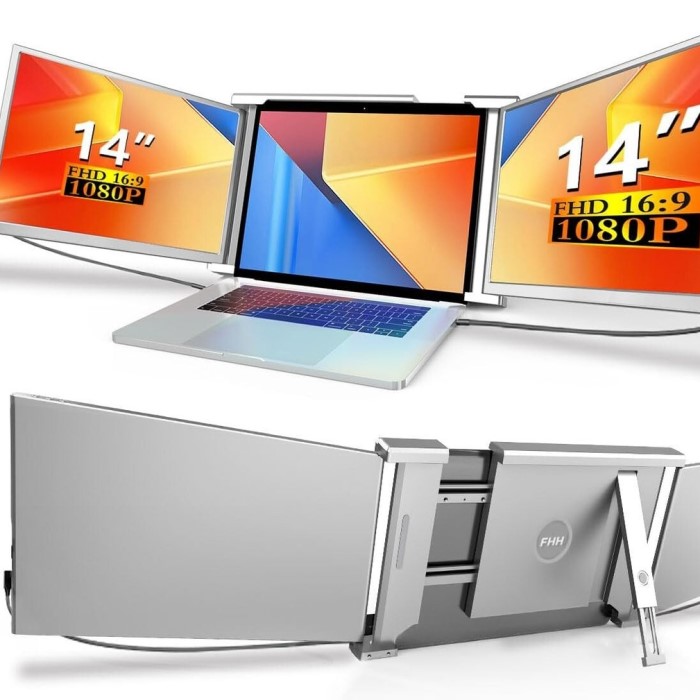
- Lightweight and Slim Design: Travel monitors are designed to be portable. Most models weigh between 1 to 5 pounds and feature slim profiles, making them easy to carry in a backpack or laptop bag without adding much bulk. This portability allows users to maintain their productivity anywhere.
- Quick and Easy Setup: These monitors often come with simple connection options, such as USB-C or HDMI, enabling users to set them up quickly. This ease of use is beneficial during time-sensitive situations, like preparing for a meeting.
3. Versatile Functionality
- Multiple Application Use: Travel monitors can serve various purposes. They function effectively as an extended display for a laptop, an additional screen for presentations, or a dedicated display for streaming entertainment. This versatility makes them a multidimensional tool for work and leisure.
- Compatibility with Various Devices: Many portable monitors are designed to connect easily to laptops, gaming consoles, and smartphones. This compatibility ensures that users can maximize their monitor’s potential, regardless of the device they are using.
Key Features
1. Display Quality
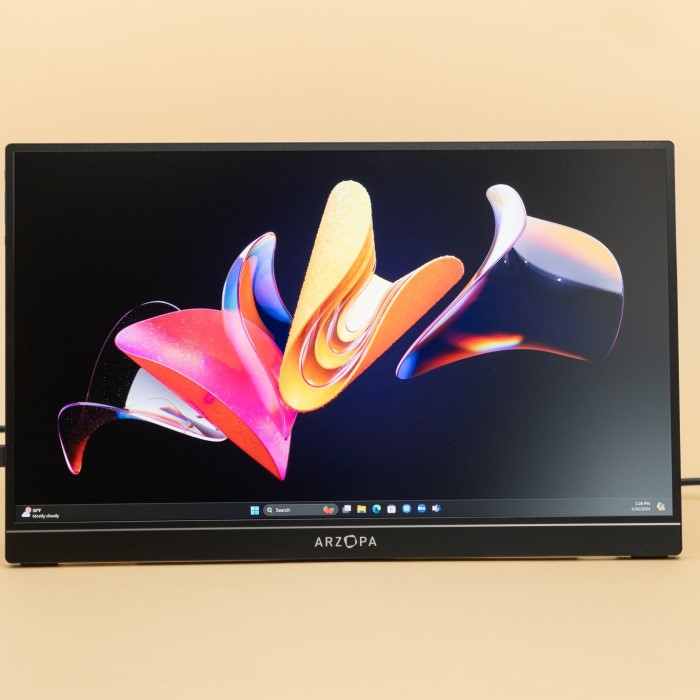
- Screen Resolution: Opt for monitors that feature high resolutions, such as Full HD (1920×1080) or 4K (3840×2160). Higher resolutions deliver better image quality and detail, making them particularly advantageous for creatives who need accurate color representation and clarity.
- Panel Technology: Consider the panel type when selecting a monitor. IPS (In-Plane Switching) panels provide superior color accuracy and wider viewing angles compared to TN (Twisted Nematic) panels, making them ideal for collaboration and professional work.
2. Connectivity Options
- Variety of Ports: Look for monitors with multiple connectivity options, including HDMI, DisplayPort, and USB-C. This ensures that you can connect your travel monitor to various devices without needing additional adapters.
- Integrated Power Supply: Some portable monitors are powered via USB-C, which simplifies setup due to fewer cables. This feature enhances user convenience, particularly in crowded commutes or tight spaces.
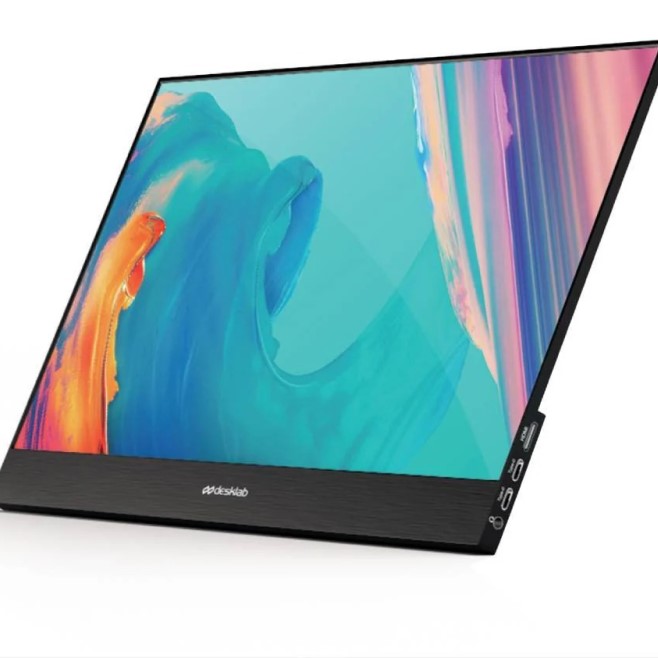
3. Weight and Portability
- Lightweight Construction: A travel monitor should be lightweight, ideally under 4 pounds. A lighter monitor is easier to transport and reduces the strain on your bag or backpack.
- Compact Design: A slim profile is important for fitting into different carry bags without taking up too much space. A monitor that is both lightweight and compact ensures that it’s convenient for travel.
4. Durability
- Build Quality: Since travel computer monitor is often exposed to different environments, they should have a sturdy build that can withstand the rigors of travel. Look for features such as reinforced edges to protect against accidental drops.
- Screen Protection: Monitors with scratch-resistant screens provide additional durability. This protection helps to maintain the visual quality of the display over time, which is especially important for frequent travelers.
Tips for Using a Travel Computer Monitor on the Go
1. Organizing Your Workspace
- Minimalist Setup: When traveling, create a light and minimalistic setup around your travel monitor. Alongside the monitor, only bring essential accessories like a compact keyboard and mouse. This simplicity will enable you to stay organized and focused.
- Use Efficient Travel Bags: Invest in a well-designed travel bag that accommodates your monitor, laptop, and accessories. Look for bags with padded compartments that offer protection and easy access to your devices.
2. Maximize Battery Life
Power Management
- Importance of Power Management:
- Maximizing Battery Life: Power management is crucial when working on the go. By effectively managing power usage, you can extend the running time of your devices, allowing for increased productivity without frequent interruptions for charging.
- Optimal Settings: Utilizing the correct settings can help you make the most of your battery life, especially when traveling or working in environments where access to power outlets is limited.
- Adjusting Display Brightness:
- Lowering Brightness Levels: Reducing the brightness of both your laptop and travel monitor can significantly decrease power consumption. A lower brightness setting is not only more battery-efficient but can also be easier on the eyes in dimmer environments.
- Adaptive Brightness: Some devices come with adaptive brightness features that automatically adjust screen brightness based on ambient light. Enabling this feature helps ensure that you are using only necessary brightness levels, enhancing battery life.
- Disabling Background Applications:
- Identifying Resource-Intensive Apps: Background applications can consume significant battery power, even when you are not actively using them. Identify these apps in your system settings and close any that are not necessary for your current tasks.
- Using Task Manager: On Windows devices, you can utilize the Task Manager to view running apps and their resource usage. This allows you to disable unneeded applications and optimize battery performance effectively.
- Utilizing Battery-Saving Modes:
- Enabling Battery Saver Features: Most operating systems include battery saver modes that limit background processes and reduce performance slightly to extend battery life. This setting is particularly useful when you are running low on power.
- Customization Options: Many laptops allow you to customize power management settings further, giving you the ability to adjust when your screen dims, when the device sleeps, and other factors that can impact battery life.
Portable Chargers
- Benefits of Portable Power Banks:
- Extended Usage: Bringing a portable power bank allows you to recharge your devices on the go, extending your work time and ensuring that you are not at the mercy of available power outlets.
- Convenience of Use: Portable chargers provide a simple solution to keep your devices powered, eliminating the need to search for nearby electrical outlets, especially in public places like cafes, hotels, or airports.
- Compatibility with Multiple Devices:
- Multi-Device Charging Capability: Many modern power banks come equipped with multiple ports, enabling you to charge both your laptop and travel monitor at the same time. This feature is particularly useful if your laptop has limited battery life.
- Universal Charging Options: Look for power banks that include USB-C and USB-A ports to ensure compatibility with a variety of devices. This versatility means you can charge smartphones, tablets, and laptops without needing multiple chargers.
- Capacity Considerations:
- Choosing the Right Capacity: Power banks come in various capacities measured in milliamp-hours (mAh). For prolonged use, consider investing in a power bank with at least 20,000 mAh capacity, which can provide multiple charges for your devices.
- Weight and Portability: While larger-capacity power banks can charge devices more times, they often weigh more. Consider your travel needs and find a balance between power capacity and portability for your trips.
- Usage in Different Locations:
- Ideal for Travel: Portable chargers are especially beneficial when traveling to regions with unreliable electricity sources. They ensure that you can continue working without interruptions.
- Backup Solution: In addition to providing extra power, portable chargers serve as a reliable backup in case of unexpected circumstances, such as power shortages or outlet availability issues.
3. Maintain Reliable Connectivity
- Internet Access: Reliable internet connectivity is crucial. Whether through Wi-Fi or a mobile hotspot, having a stable connection ensures that you can access necessary information and attend video calls without interruptions.
- Backup Equipment: Have backup solutions in place. If your travel monitor encounters issues, being able to switch back to your laptop’s screen ensures you can continue working without major disruptions.
Frequently Asked Questions (FAQs)
1. How to travel with a PC monitor?
When traveling with a PC monitor, ensure it is placed in a protective carrying case designed specifically for monitors. Secure all cables; it’s also a good idea to consider carrying it as a carry-on if possible, to avoid damage from checked baggage.
2. Are portable monitors worth buying?
Yes, portable monitors are generally worth the investment, especially for those who frequently work on the go. They enhance productivity with larger screens and improved workflows, making remote work much easier.
3. Is a portable monitor allowed on a flight?
Yes, most airlines allow portable monitors as carry-on items. However, always check your specific airline’s regulations regarding size limits and cabin baggage to ensure compliance.
Conclusion: Stay Productive with a Travel Computer Monitor
In conclusion, utilizing a travel computer monitor can significantly enhance your productivity while working on the go. The combination of larger screen sizes, improved visual quality, and versatile functionalities provides robust solutions for remote workers, frequent travelers, and digital nomads alike.
By understanding key features to look for, implementing practical tips for usability, and preparing adequately for your travels, you can seamlessly integrate this technology into your working lifestyle. Take advantage of the benefits that a travel computer monitor can offer, and embrace the freedom of working effectively from anywhere—ensuring that you stay productive, engaged, and connected in today’s dynamic world.