
Introduction
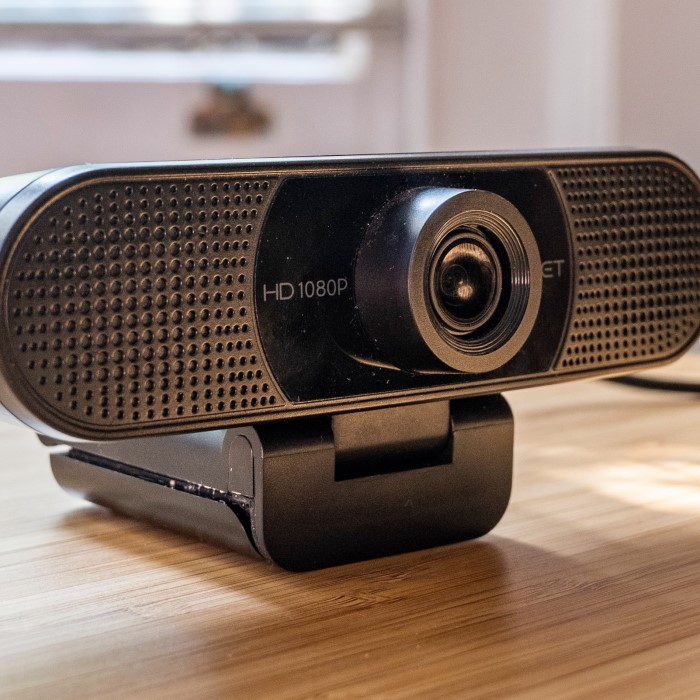
In today’s digital age, having a reliable webcam is more important than ever. Whether you’re working from home, attending virtual meetings, or streaming your favorite games, a good webcam can significantly enhance your experience. However, quality doesn’t always have to come with a hefty price tag. In this article, we will explore the best budget webcam options available in 2025. We’ll highlight affordable yet effective choices, ensuring you get the most value for your money without compromising on quality.
Why Choose a Budget Webcam?
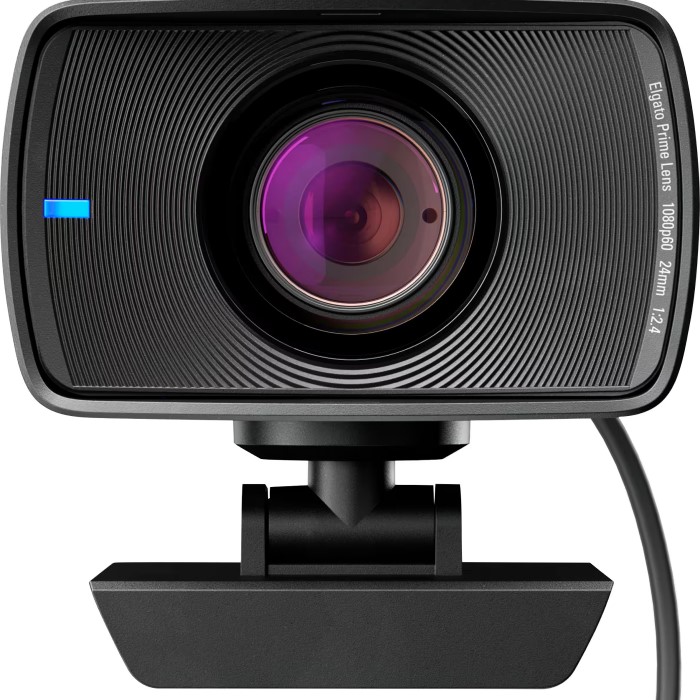
Budget webcams offer an ideal solution for those who need decent video quality without spending a fortune. Below are some reasons to consider a budget webcam:
1. Affordability
Budget webcams are designed to be accessible for everyone. In a world where prices for technology can skyrocket, these webcams provide a practical solution that fits within various budgets.
2. Quality Features
Many budget webcams come equipped with features found in higher-end models. You’ll often find HD resolution, built-in microphones, and adjustable settings in models that cost less than $100.
3. User-Friendly
These devices typically offer simple plug-and-play functionality. This means you can easily connect them to your computer without needing complex setups or extensive technical knowledge.
4. Great for Beginners
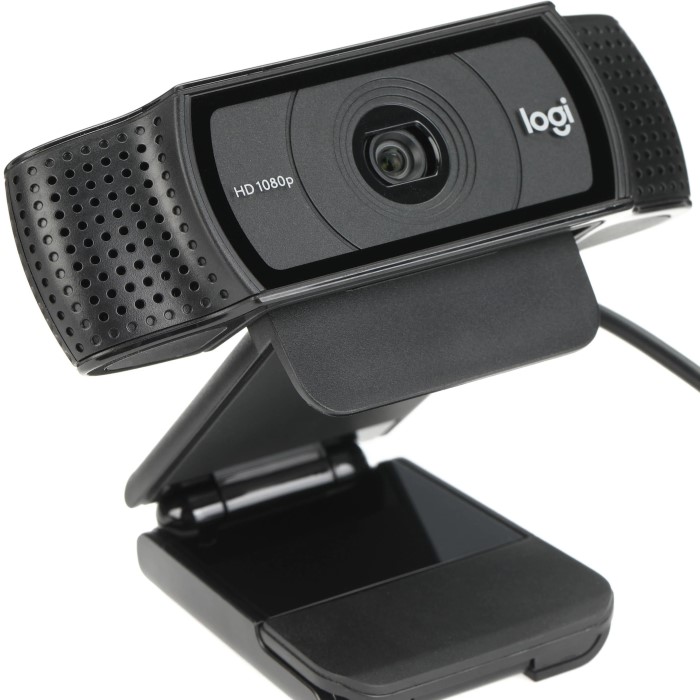
A budget webcam is an excellent choice for beginners. Whether you are a student, a remote worker, or just someone looking to connect with family and friends online, a budget webcam provides all the essential features you need.
Buying a budget webcam can be a wise investment, allowing you to enjoy high-quality video without overspending.
Key Features to Look for in a Budget Webcam
When shopping for the best budget webcam, it’s essential to know what features to prioritize. Here are some key features to consider:
1. Video Resolution
The video resolution determines the clarity and quality of the image you present. Most budget webcams offer at least 720p (HD) resolution, but many now provide 1080p (Full HD) as a standard feature. For those looking to future-proof their setup, consider a webcam with 1080p capability.
2. Field of View (FOV)
The field of view is an important specification for any webcam. A wider FOV (generally 78° to 90°) allows you to include more people in the frame, making it perfect for group calls or presentations.
3. Built-in Microphone
Having a built-in microphone can simplify your setup. Look for webcams that offer noise-cancelling capabilities to ensure clear audio during calls, reducing background sounds.
4. Compatibility
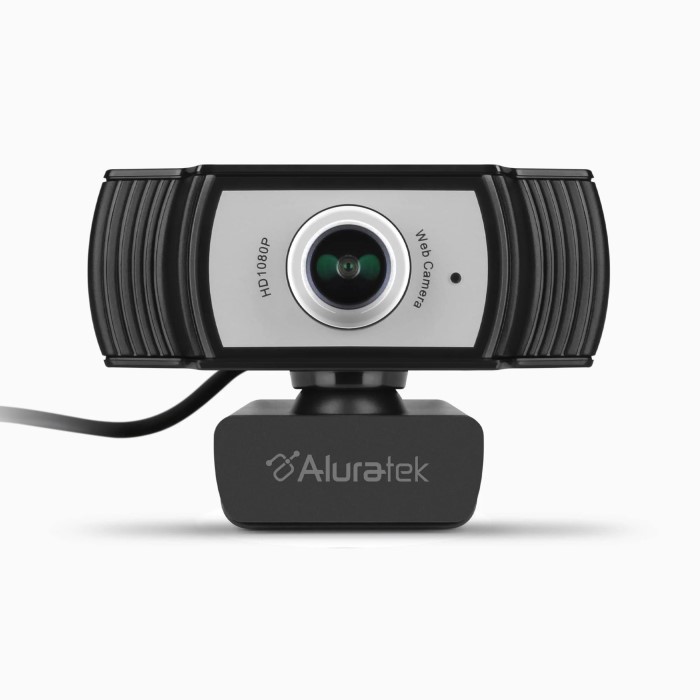
Ensure that the webcam you choose is compatible with your operating system. Most budget webcams are now compatible with Windows, Mac, and Linux, but it’s always beneficial to double-check product specifications.
5. Additional Features
Lastly, consider any extra features that may enhance your experience. Features such as autofocus, low-light correction, and adjustable settings can add value to your webcam purchase, improving your video quality further.
By understanding these key features, you can make an informed decision when selecting your new budget webcam.
Top 5 Best Budget Webcam Recommendations for 2025
Based on performance, features, and user reviews, here are five of the best budget webcam choices for 2025:
1. Logitech C270 HD Webcam
The Logitech C270 is a popular option known for its affordability and ease of use. It offers 720p resolution and a 60-degree field of view, making it great for individual use. Its built-in microphone helps deliver clear audio, and it works seamlessly with popular video software.
2. Microsoft LifeCam HD-3000
With 720p HD video quality, the Microsoft LifeCam HD-3000 is another excellent choice. The webcam features a wide-angle lens and TrueColor technology, which adjusts the brightness and color in various lighting conditions. It’s compatible with most Windows operating systems and offers a reliable performance during video calls.
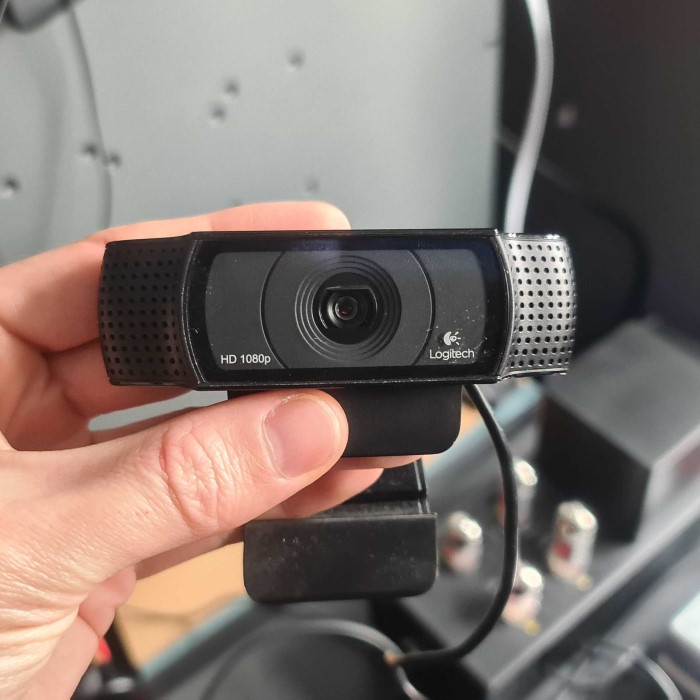
3. Creative Live! Cam Sync 1080P
The Creative Live! Cam Sync offers stunning 1080p video quality at an affordable price. It has a wide 75° field of view and includes a built-in noise-cancelling microphone. It’s versatile, working well for streaming, gaming, and video conferencing.
4. AUKEY FHD Webcam
This webcam is designed with versatility in mind. Offering 1080p resolution and a rotating lens, the AUKEY FHD Webcam is perfect for various settings. The dual microphones enhance audio quality, making it an ideal choice for online meetings.
5. Razer Kiyo
The Razer Kiyo is a highly-regarded webcam that has captured the attention of streamers and content creators alike. While it might come at a higher price point than some of its competitors, its unique features and quality make it a worthwhile investment. Below are the standout aspects of the Razer Kiyo that set it apart in the crowded webcam market.
1. Embedded Ring Light
- Unique Feature: One of the most prominent features of the Razer Kiyo is its built-in ring light. This integrated lighting solution is especially beneficial for users who often stream or record in low-light environments.
- Improved Visibility: The ring light helps illuminate the subject evenly, ensuring that the quality of the video remains high regardless of surrounding lighting conditions. This enhances visibility, making it ideal for creators who want to maintain a professional appearance.
- Adjustable Brightness: The ring light often comes with adjustable brightness settings, allowing users to customize the light intensity based on their preferences or ambient conditions.
2. Video Resolution Options
- 720p and 1080p Support: The Razer Kiyo supports both 720p and 1080p video resolutions, providing versatility depending on the user’s needs.
- Sharp Image Quality: With 1080p support, users can achieve sharp and clear images that are perfect for streaming on platforms like Twitch or YouTube. This level of clarity enhances viewer experience, making every stream or video more engaging.
- 720p for Streaming: For those who prioritize a higher frame rate over resolution, 720p can often deliver smoother video performance, which is crucial for fast-paced gaming streams.
3. Ideal for Streamers and Content Creators
- Target Audience: The Razer Kiyo is particularly well-suited for streamers and content creators looking for a reliable and high-quality webcam. Its features cater specifically to the needs of those who broadcast regularly or produce online content.
- User-Friendly Design: The webcam features a compact design that makes it easy to set up and use. It can be mounted on various monitors or even used with tripods, adding to its versatility.
- One-Stop Solution: By combining a quality camera with an integrated light source, the Razer Kiyo serves as a one-stop solution for creators who may not have extensive lighting setups.
4. Compatibility with Streaming Software
- Seamless Integration: The Razer Kiyo offers compatibility with popular streaming software such as OBS Studio and XSplit. This makes it incredibly easy for users to incorporate the webcam into their existing setups without dealing with complex configurations.
- Adjustable Settings: Many streaming platforms allow customization of settings for the Kiyo, enabling users to optimize their video feed for their specific needs and preferences.
These selections represent some of the top-performing webcam options available for those seeking affordability without sacrificing quality.
Setting Up Your Budget Webcam
After selecting your best budget webcam, it’s time to set it up properly for the best performance. Here are some simple steps to follow:
1. Connect Your Webcam
Plug the USB cable into an available port on your computer or laptop. Most webcams will be recognized automatically by the system. Watch for installation prompts and install any necessary drivers if required.
2. Test Your Webcam
Open your preferred video conferencing application or camera software to test the webcam. Check video and audio settings to ensure everything is functioning correctly.
3. Adjust Camera Angle and Placement
Ensure your webcam is positioned at eye level for the best video quality. Adjust the angle of the camera if necessary. This setup can help improve your presence during video calls.
4. Set Up Lighting
Good lighting can make a significant difference in video quality. Position your setup in a well-lit area or use additional lighting sources to enhance visibility.
5. Familiarize Yourself with Software Settings
Explore the settings within the video conferencing software you are using. Adjust the video quality and microphone settings to your preference, ensuring the best experience during your calls.
By following these steps, you can ensure your budget webcam delivers optimal performance right from the start.
FAQs about Budget Webcams
To help you navigate your selection process, here are some frequently asked questions related to budget webcams.
What’s a good starter webcam?
A good starter webcam includes options like the Logitech C270 or Microsoft LifeCam HD-3000. Both are affordable, easy to use, and deliver satisfactory video quality for beginners.
Is a 4K webcam overkill?
For most casual users, a 4K webcam may be overkill. While 4K provides exceptional clarity, a 1080p webcam typically suffices for video conferencing and streaming needs without requiring extensive bandwidth.
Is a 2K webcam better than 1080p?
A 2K webcam offers finer detail and better quality than a standard 1080p webcam, but it may not be necessary for casual use. Evaluate your specific needs before deciding, as 1080p often meets essential requirements adequately.
What is the best budget webcam with Windows Hello?
The Logitech Brio is an excellent budget option that supports Windows Hello. It offers high-quality video and seamless integration with Windows Hello for secure login, making it a great choice for users needing facial recognition features.
Conclusion
In conclusion, finding the best budget webcam in 2025 is quite achievable with many options that provide affordability without compromising video quality. This article has highlighted essential features to look for, recommended top choices, and provided setup tips to maximize your webcam experience. Whether you need a webcam for work, streaming, or video conferencing, today’s budget options deliver impressive performance for a variety of needs. With a little research, you can find the right webcam that fits your lifestyle and budget. Happy streaming!