
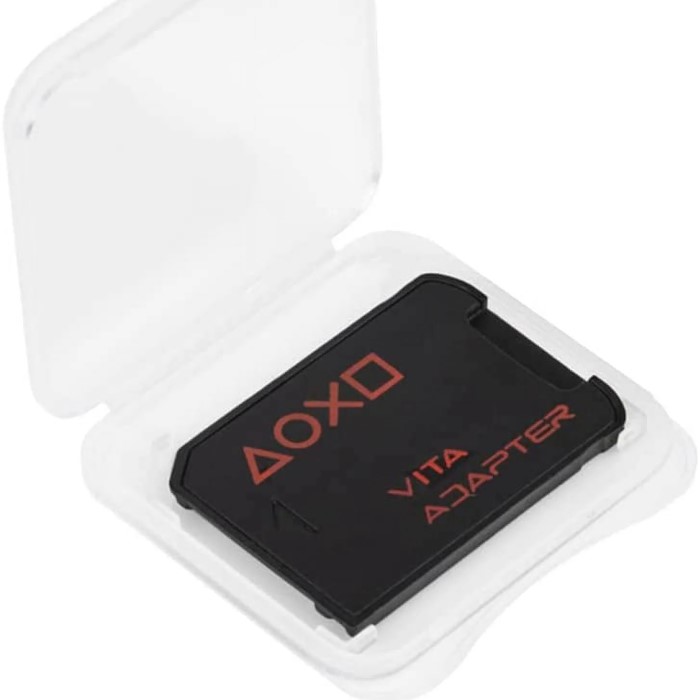
The PlayStation Vita has been a beloved handheld gaming device since its launch. It offers players an impressive library of games and an immersive gaming experience. However, one aspect that can limit your enjoyment is storage—specifically, the PS Vita memory card. Upgrading your memory card can significantly enhance your gaming experience by allowing you to store more games, downloadable content, and save files. This article will provide essential tips for upgrading your PS Vita memory card in 2025, helping you make an informed decision for your gaming needs.
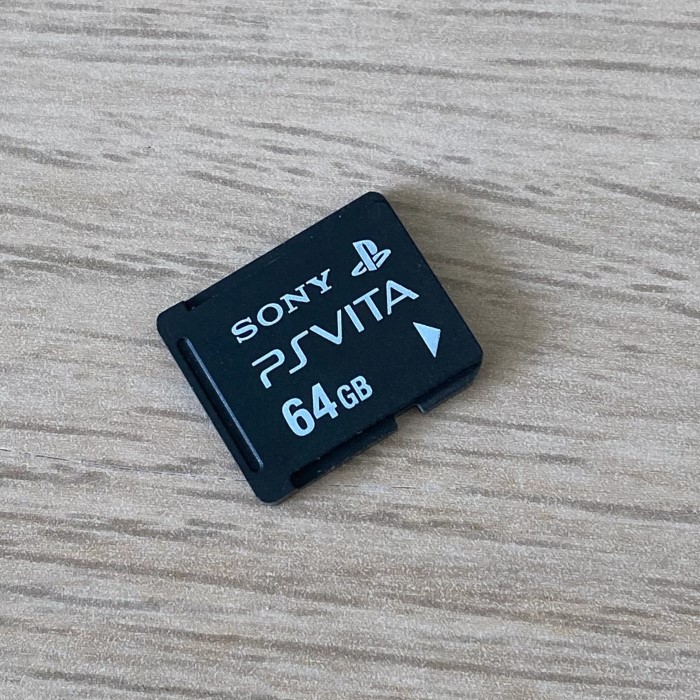
The Importance of Storage for Your PS Vita
Why Memory Card Capacity Matters
When it comes to gaming—especially on a portable device—storage space is a vital consideration. The PS Vita has a limited amount of onboard storage, so a memory card is necessary for those who wish to expand their gaming capabilities. This is where the PS Vita memory card plays an important role.
- Game Storage: As games continue to evolve, they are becoming larger and more complex. Upgrading your memory card allows you to download and install more games, giving you access to your favorites wherever you go.
- Downloadable Content (DLC): Many games offer additional content that requires storage space. Having a higher capacity card means you can enjoy DLC, expansions, and updates without constantly deleting existing save files.
- Increased Save Data: The more games you play, the more save data you’ll accumulate. A larger memory card ensures you won’t run out of space just when you’re about to reach an important checkpoint or milestone.
Choosing the Right PS Vita Memory Card
When considering an upgrade, it’s essential to choose the correct memory card suited to your needs. Below are a few factors to keep in mind.
Compatibility
The PS Vita uses proprietary memory cards, meaning standard SD cards will not work. While this may be somewhat limiting, it ensures that the cards are optimized for the device. Always ensure that the memory card you select is specifically designed for use with the PS Vita.
Size and Capacity Options
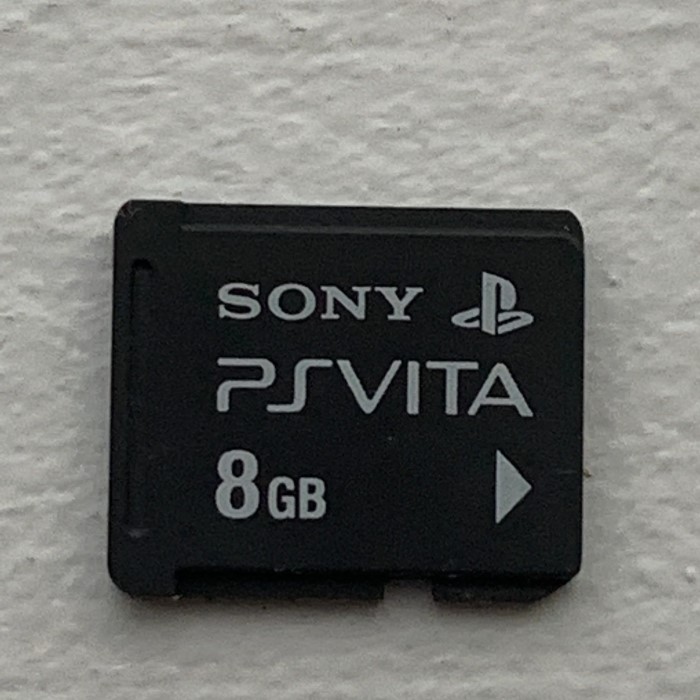
Memory cards for the PS Vita come in various sizes and capacities. Here are the common options available:
- 4 GB: Suitable for light gamers who play a few titles and do not require much storage.
- 8 GB: A moderate option for casual gamers wanting to store a few games and save files.
- 16 GB: Great for players who enjoy a more extensive library with multiple games and DLC.
- 32 GB: Perfect for gamers who download a significant number of games, expansions, and additional content.
- 64 GB: A larger capacity suited for dedicated gamers who want all their titles available without worrying about storage.
- 128 GB: The maximum capacity card. Ideal for users with a vast collection of games, DLC, and saved data.
Brand Reputation
When upgrading, consider purchasing memory cards from reputable brands. High-quality products will ensure better reliability and performance. Look for trusted manufacturers that specialize in gaming accessories, as their products tend to have better build quality and longevity.
Best PS Vita Memory Card Options for 2025
As we look forward to 2025, here are some top memory card options that have gained popularity among gamers to consider for your PS Vita.
Sony PS Vita Memory Card (Official)
- Capacity: Available in various sizes (4GB, 8GB, 16GB, 32GB, 64GB)
- Pros: As the official product from Sony, the build quality is top-notch, ensuring seamless compatibility and performance.
- Cons: The price may be on the higher side compared to third-party options, but the reliability is often worth the investment.

R4 PS Vita Memory Card
- Capacity: Up to 64GB
- Pros: Known for its affordability and decent performance. This third-party option is suitable for moderate gamers.
- Cons: While reliable, some users may report variable performance when compared to official Sony cards.
SanDisk Ultra PS Vita Memory Card
- Capacity: 32GB
- Pros: SanDisk is a reputable brand, and their products often feature excellent read and write speeds. Good performance for downloading games and DLC.
- Cons: Limited size options compared to Sony’s offerings, so it may not suffice for extensive gamers.
Hama Memory Card for PS Vita
- Capacity: 128 GB
- Pros: Offers extensive storage at an affordable price. A great option for dedicated gamers with many titles.
- Cons: As a third-party product, it may not have the same level of quality control as official Sony cards, so check reviews before purchase.
Tips for Successfully Upgrading Your PS Vita Memory Card
Evaluate Your Gaming Habits
Think about how you use your PS Vita and how many games you want to keep stored on it. If you frequently download new games and expansions, investing in a larger capacity card will save you the hassle of constantly managing your storage.
Research and Compare Options
Make sure to read reviews and comparisons of various memory cards before making your purchase. This helps you understand the pros and cons of each card concerning your gaming preferences.
Backup Existing Data
Before you upgrade, ensure that you back up the data on your current memory card. This may involve transferring save files to your new card or creating an additional backup through the Vita itself or a compatible device. Data loss during transfer can be frustrating, so always take precautions.
Consider Storage Management Techniques
Once you’ve upgraded your memory card, implementing smart storage management practices can maximize its efficiency:
Regularly Delete Unused Games
- Identify Installed Games: Take some time to review your game library and identify any titles you haven’t played in a while. This can help you recognize which games are taking up valuable storage space without being utilized.
- Evaluate Game Usage: Consider how often you revisit certain games. If you find that there are titles you haven’t played in months or even years, it may be a good idea to remove them. Ask yourself whether these games are worth keeping on your device.
- Consider Storage Capacity: Remember that the PS Vita’s memory card has a limited capacity. By regularly deleting games you no longer play, you can create space for new titles or downloadable content. This proactive approach helps ensure you don’t encounter storage issues when you want to download a new game.
- Backup Important Save Data: Before permanently deleting a game, consider backing up any important save data. This way, if you decide to replay the game in the future, you won’t lose your progress. Use cloud backup options or transfer save data to another memory card if necessary.
- Make It a Routine: Establish a regular schedule for reviewing and cleaning up your game library. Whether it’s monthly or quarterly, consistently deleting unused games will make managing storage simpler and keep your device running smoothly.
Download Only What You Need
- Be Selective with Downloads: When browsing the PlayStation Store or other digital marketplaces, be discerning about the games and applications you choose to download. It’s easy to get excited and accumulate too many titles, but this can lead to storage constraints.
- Consider Game Genres: Think about your preferred game genres and styles. If you’re more interested in specific types of games, prioritize downloading those that align with your interests. Avoid downloading titles that you may only play once and then forget about.
- Limit Large Apps and Games: Be particularly cautious with larger apps and games. Some titles can take up significant storage space. Determine if you really need to download a large game or if it can wait until you have more storage available.
- Evaluate Usage: Before downloading a new app or game, ask yourself if you will use it frequently. If it’s something you think you might only try once, it may be better not to download it at all, especially if you have limited storage.
- Regularly Review Downloads: As with games, make it a habit to regularly review downloaded apps. If you find certain applications are redundant or no longer necessary, deleting them can free up space for new, more relevant downloads.
Frequently Asked Questions
What type of SD card does a PS Vita use?
The PS Vita uses proprietary memory cards designed specifically for the device. Standard SD cards will not work with the PS Vita.
Can I use 256GB on PS Vita?
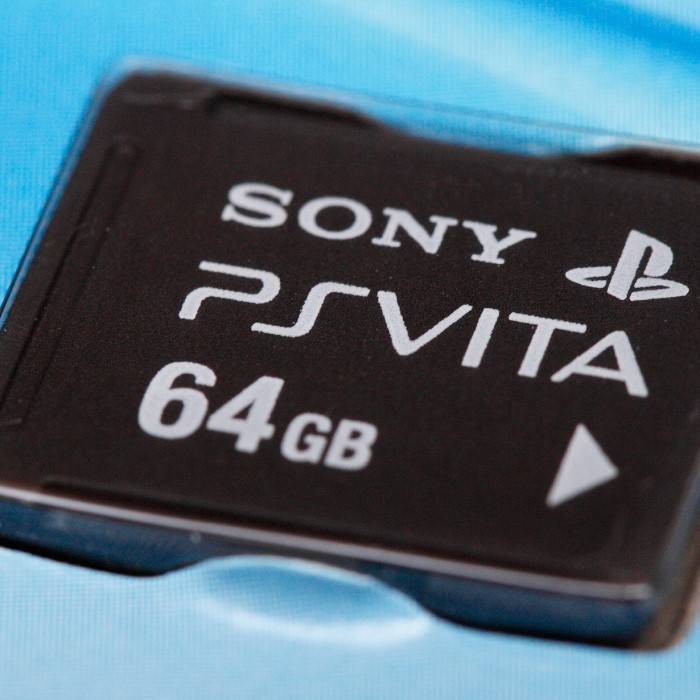
The PS Vita does not support memory cards larger than 64GB, meaning you cannot use a 256GB card with the device. The maximum card capacity is limited to 64GB.
What is the max SD card for PS Vita?
The maximum supported memory card capacity for the PS Vita is 64GB. This limitation requires players to manage their storage effectively if they wish to maximize their game library.
Is 16 GB enough for PS Vita?
A 16GB memory card can be sufficient for casual gamers who play a few titles and do not frequently download extra content. However, dedicated gamers may find this size limiting, particularly if they enjoy a large library of games.
Conclusion: Upgrade Your Gaming Experience
Upgrading your PS Vita memory card is a critical step in enhancing your gaming experience in 2025. With the right memory card, you can store more games, save files, and DLC, ensuring that your gaming adventures will never be interrupted due to a lack of space.
Choosing the ideal memory card involves evaluating your gaming habits, researching various options, and selecting a reputable brand. By prioritizing these factors, you can confidently upgrade your PS Vita memory card and maximize your gaming potential.
Embrace the vibrant world of gaming with your upgraded PS Vita, knowing you have the storage capacity necessary to enjoy new titles without limits. Whether you’re revisiting classic games or diving into new adventures, the right memory card will enhance your experience, making every session on your PS Vita memorable!